 Featured guide
MRP Label for Flipkart: Sticker vs Shipping Label
Separate Flipkart listing MRP from product-pack MRP stickers, SKU codes and parcel shipping labels, with a source-led print checklist.
Read full guidePractical guides to shipping labels, dispatch, margins, tax, and Meesho payout reconciliation for sellers who need a clear next step.
Label download, cropping, thermal printing, and dispatch prep.
Invoice splitting, sorting rules, and packing efficiency.
Practical operating guidance for active marketplace sellers.
Practical operating guidance for active marketplace sellers.
Separate Flipkart listing MRP from product-pack MRP stickers, SKU codes and parcel shipping labels, with a source-led print checklist.
Merge Meesho label PDFs into one batch, check file and order counts, and keep seller accounts traceable before sorting, printing and pickup.

Compare Amazon label-cropper options, keep FBA unit and carton labels separate, and test the barcode on a sample before printing a batch.
Featured guide
Separate Flipkart listing MRP from product-pack MRP stickers, SKU codes and parcel shipping labels, with a source-led print checklist.
Read full guideFilter by category, search by topic, and explore the complete editorial library — one guide at a time.
Try a broader keyword or switch back to all categories.
Merge Meesho label PDFs into one batch, check file and order counts, and keep seller accounts traceable before sorting, printing and pickup.
Compare Amazon label-cropper options, keep FBA unit and carton labels separate, and test the barcode on a sample before printing a batch.
Compare Flipkart label crop workflows, check for a label-only PDF, then verify page size, privacy details and a test barcode before printing.
Make an internal SKU sticker for the exact item variant, distinguish it from a GTIN or shipping label, and test the print at the packing table.
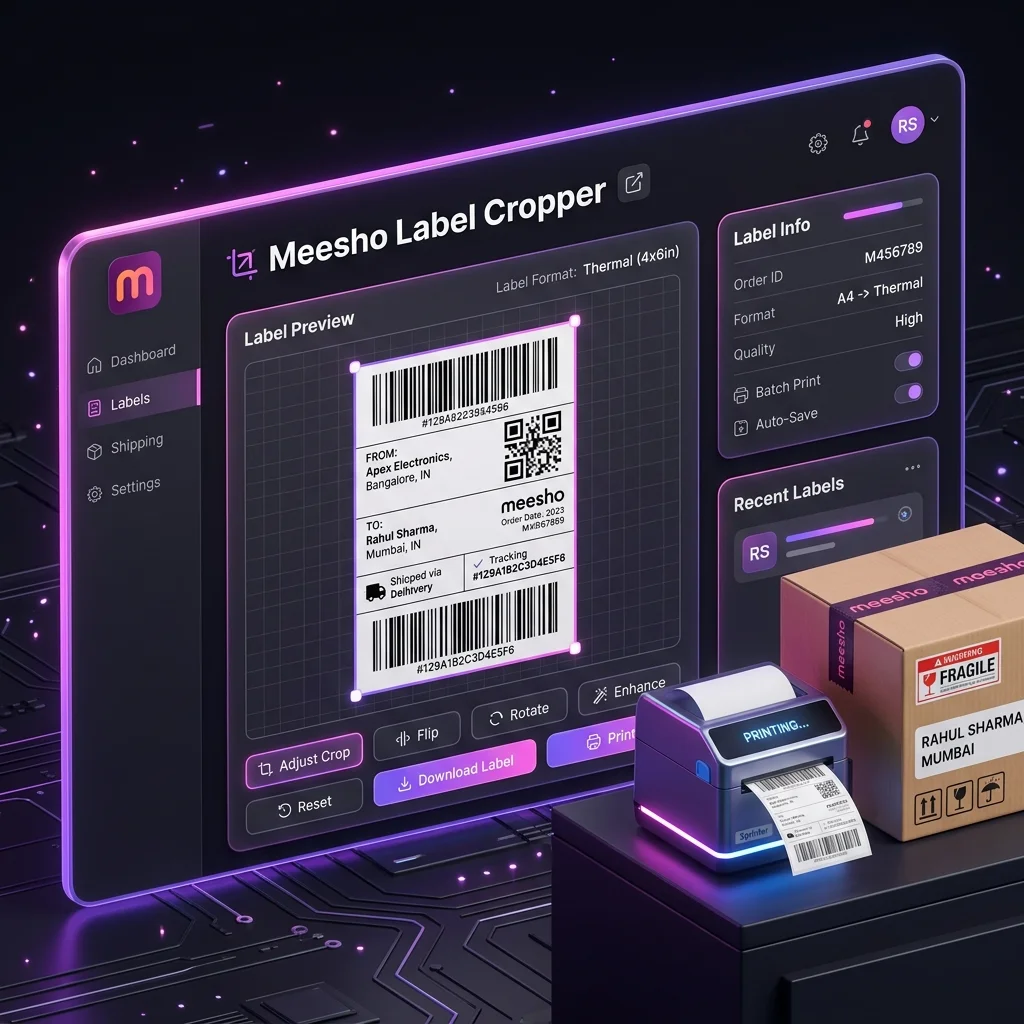
Install the Meesho Label Cropper and Sorter from Chrome Web Store, queue multiple PDFs, choose SKU or courier sorting, and download a print-ready batch from the free browser tool.
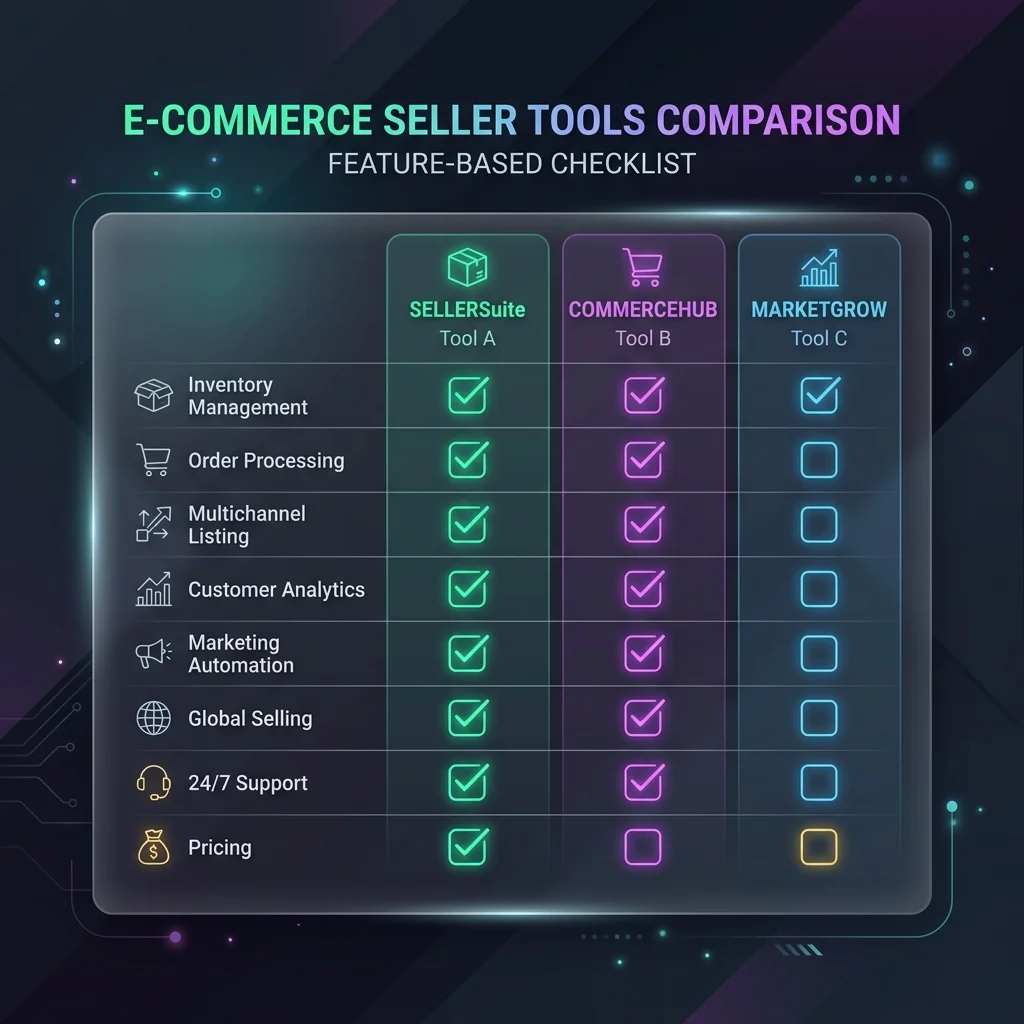
Compare the free Meesho Label Cropper Chrome extension with the no-install web tool. See which workflow fits one PDF, repeat batches, shared computers, and privacy needs.
A practical Lebely (also written Labely) review: compare its Meesho ERP with its Meesho and Flipkart label-cropping pages, then verify vendor claims with a sample.

Prepare a Meesho shipping-label-only print layout while keeping the invoice and checking the documents needed for your order and transporter.
Match your Meesho PDF to the loaded label roll, tune print quality with a test, and troubleshoot clipped barcodes or skipped labels.

Compare ProfitDekho Lens and Seller Analytics Hub by workflow, data handling, access and limitations. Includes a practical report-checking checklist.

Compare Meesho research extensions by job: finding listings, filtering products, checking estimates and margins, and reviewing privacy and current product scope.

Find a Meesho product ID, keep it separate from the catalog ID and SKU, then verify the matching buyer listing.

An evidence-based OneClickOMS review covering its OMS, SellerRadar, product-finder and catalog-autofill extensions, dated public pricing, trade-offs, and alternatives.

Understand Meesho PRISM, Trendpulse, and Vaani from official 2026 disclosures, then use a practical seller checklist for listings, demand, and conversion.

Use a dated Meesho category snapshot to shortlist ideas, then check current listings, quality, returns and your own costs before buying stock.
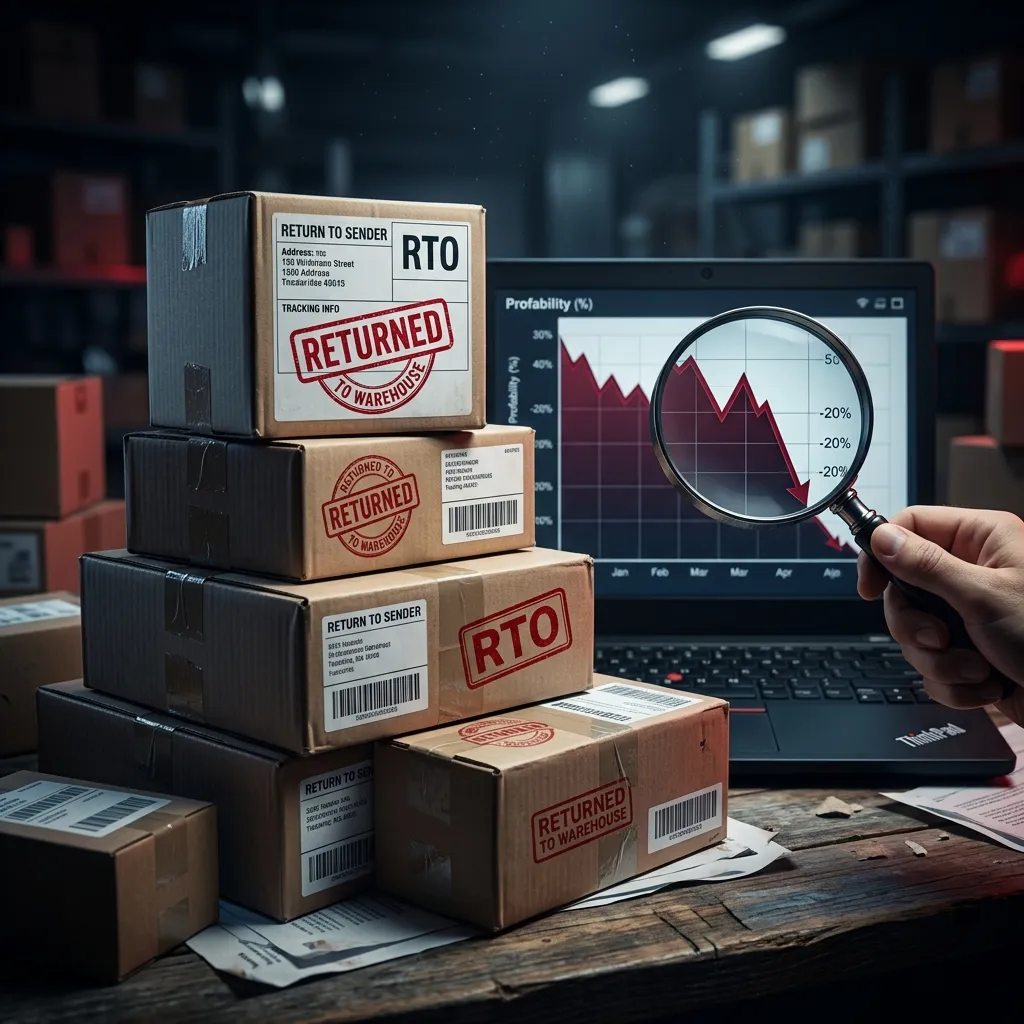
An intact Meesho packet shows no visible tampering at delivery. Learn what the status says about the outer box, how it differs from product condition, and what to record.
Use Seller Lens to compare Meesho listing signals and estimates, then test demand and margin with your own costs, orders and settlements.
Choose the current Supplier Analytics extension for Meesho orders, returns, labels, SKU costs and saved reports. Check data coverage and account access first.

Compare Meesho profit software and seller analytics for SKU margins, returns, payment reconciliation, inventory and multi-store reporting in 2026.
Step-by-step tutorial on how to crop Meesho shipping labels for thermal printers: PDF selection, invoice separation, SKU sorting, and print verification.
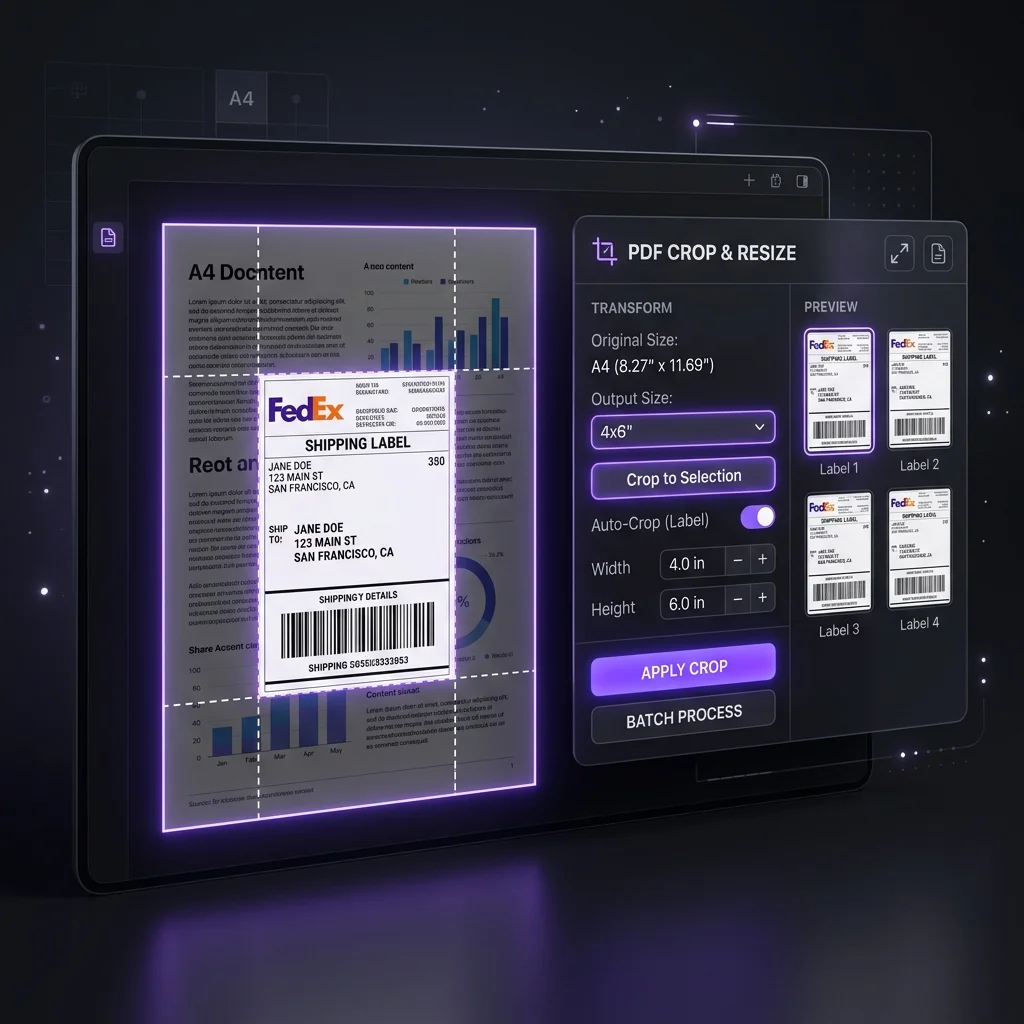
Crop a Meesho label PDF, choose invoice handling and test the barcode and print settings. Output size follows the source crop; no fixed 4×6 export is promised.
Compare the best Meesho label crop tools, web croppers, Chrome extensions, and Android apps for thermal printing, SKU sorting, and privacy.
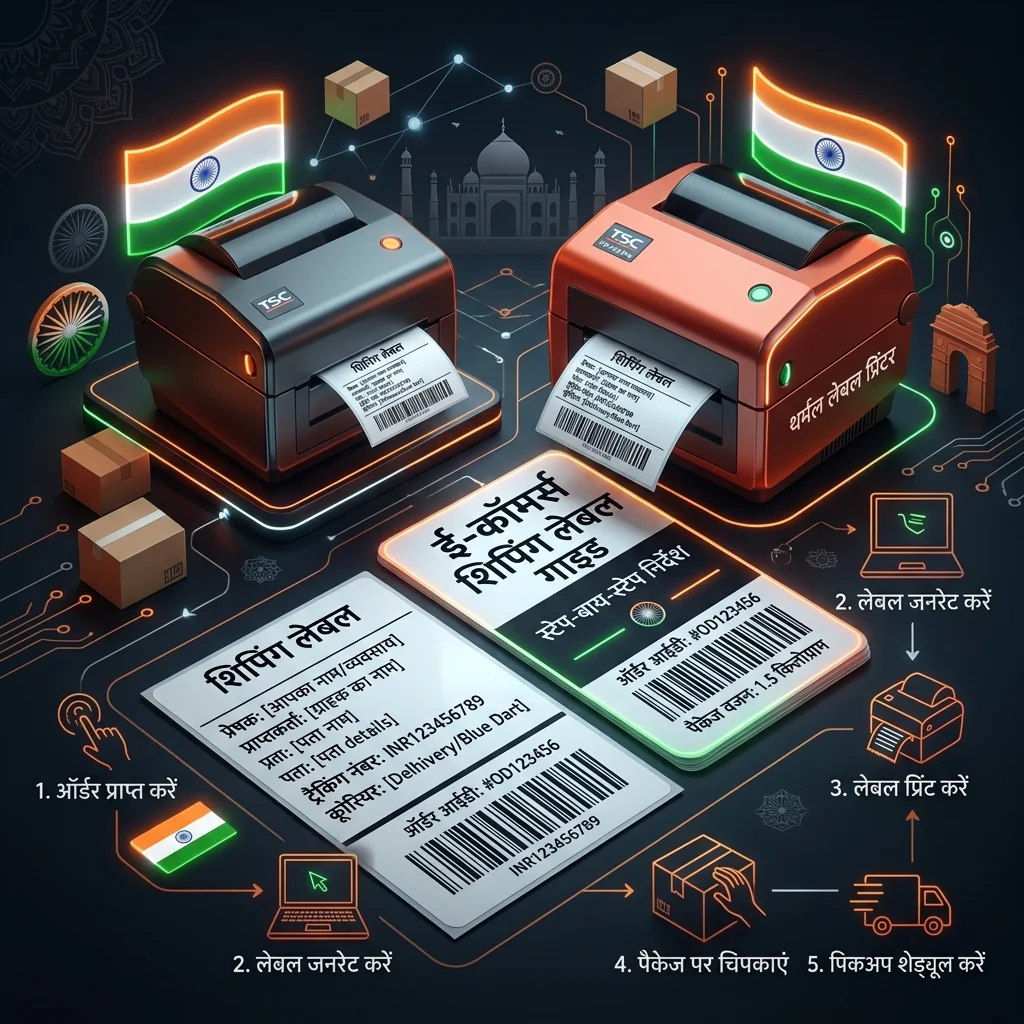
Meesho label PDF crop karne, invoice option chunne, SKU ya courier sort karne aur thermal ya A4 test print check karne ki Hindi guide.
Sort Meesho shipping labels by SKU, courier or quantity priority, then check the output against orders before packing and handover.

Check common Meesho payment report fields, match signed events to sub-orders and reconcile payouts with your bank statement. Formats and columns can vary.
Use Meesho’s public PRISM description and a practical catalog checklist to improve buyer clarity, test prices and measure results without ranking promises.

Understand what an RTO claim means in Meesho, then document the return, check Safe-T eligibility, file evidence and track the outcome.
Compare Meesho, Amazon and Flipkart seller costs using current fee sources and your own orders. Includes a practical worksheet for one SKU.

NDD means Next Day Dispatch, not next-day delivery. Check Meesho eligibility, order deadlines, stock, packing and pickup readiness.

SLA means Service Level Agreement: the order’s dispatch deadline in Meesho. Learn what “SLA breached” means, where to check the timeline, and how to verify a deduction.
Meesho ka profit kaise check kare: sub-order payments, product cost, packing, ads aur return loss ko bina double count kiye milayein.

Meesho mein ads kaise lagaye: catalog, budget aur duration chunein, phir spend, orders aur actual settlement milakar result dekhein.
Views, clicks, orders aur returns ko alag dekhein. Catalog, price, stock aur ads mein sahi badlav kaise chunein.

Set a Meesho price using your own settlement, product cost, packaging, ads and returns. Test scenarios, then check the result against real payments.
A practical return checklist: match the parcel to its sub-order, record handover and unboxing evidence, then track any claim and payout.
Match Meesho logistics invoices to GSTR-2B and check whether shipping GST is eligible for input tax credit before filing.

Start selling on Meesho with a clear registration route, accurate catalog, reliable dispatch process and order-by-order payment checks.
Read Meesho ad ROAS alongside settlement and cost records. Find your own break-even point before changing campaign spend.
Trace Meesho’s sourced zero-commission milestone and learn how to check today’s seller fees against actual payment records.
Join distinct sub-orders to payments, map exact account and supplier SKUs, and compare settled outcomes with product, packaging and ad costs.
Compare Meesho seller tools by a real label, payment, SKU or stock task. Test output and current vendor terms before committing.

See which product, packaging, delivery, ads and return costs belong in a Meesho profit review, and how to check them against actual payments.

Match distinct Meesho sub-orders with all payment events, return outcomes and bank credits before investigating a missing payout.
Use the Meesho profit calculator to compare your own cost, settlement, ad and return assumptions, then reconcile actual payouts separately.
Find the label action in your Meesho Supplier Panel, check a bulk PDF before printing, and verify pickup separately from the download.

Catch eight avoidable Meesho label, packing and pickup errors with a test print, parcel match and order-by-order handover check.

Work through the Meesho dispatch queue, check labels and parcels, then verify pickup scans or exceptions for each order.

Crop a Meesho shipping label PDF, match the output to your thermal stock, and check the first print for complete text and a readable barcode.
Use the Keep invoice option in the Meesho label tool, inspect the resulting PDF, and keep transaction documents separate from print-layout choices.
Crop Meesho labels, choose four pages per A4 sheet in your PDF viewer, and test the first print for readable barcodes and margins.
Plan a Meesho sale from your own demand, stock, margin, dispatch capacity and later payment outcomes.

Compare the same SKU on Meesho and Shopify using current plan terms, settlement, shipping, returns and customer acquisition costs.
Separate GST, marketplace TDS and GST TCS in Meesho records. Check which income-tax Act applies before or after 1 April 2026, then reconcile each amount to portal records.
Separate RTO from customer returns, calculate an RTO rate from distinct orders and trace the actual payment and stock impact.
Find the delivery-related charge for your own Meesho orders, check package details and use the observed figure when planning a listing price.