- Why Labels Control Your Profit Margin
- 1. The "Shrink-to-Fit" Barcode Disaster
- 2. Packing in the Wrong Order (Mixed SKUs)
- 3. Tape Over the Barcode
- 4. Faded Thermal Prints (Low Density)
- 5. Handing Mixed Courier Sacks
- 6. Ignoring the 11 AM Cutoff
- 7. Transparent or Branded Packaging
- 8. Missing the Manifest Signature
- 9. Including the Invoice Unnecessarily
- 10. Using Inkjet Printers at Scale
- How Label Cropping Prevents 5 of These Mistakes
- Pre-Dispatch Label Checklist
- Frequently Asked Questions
Why Labels Control Your Profit Margin
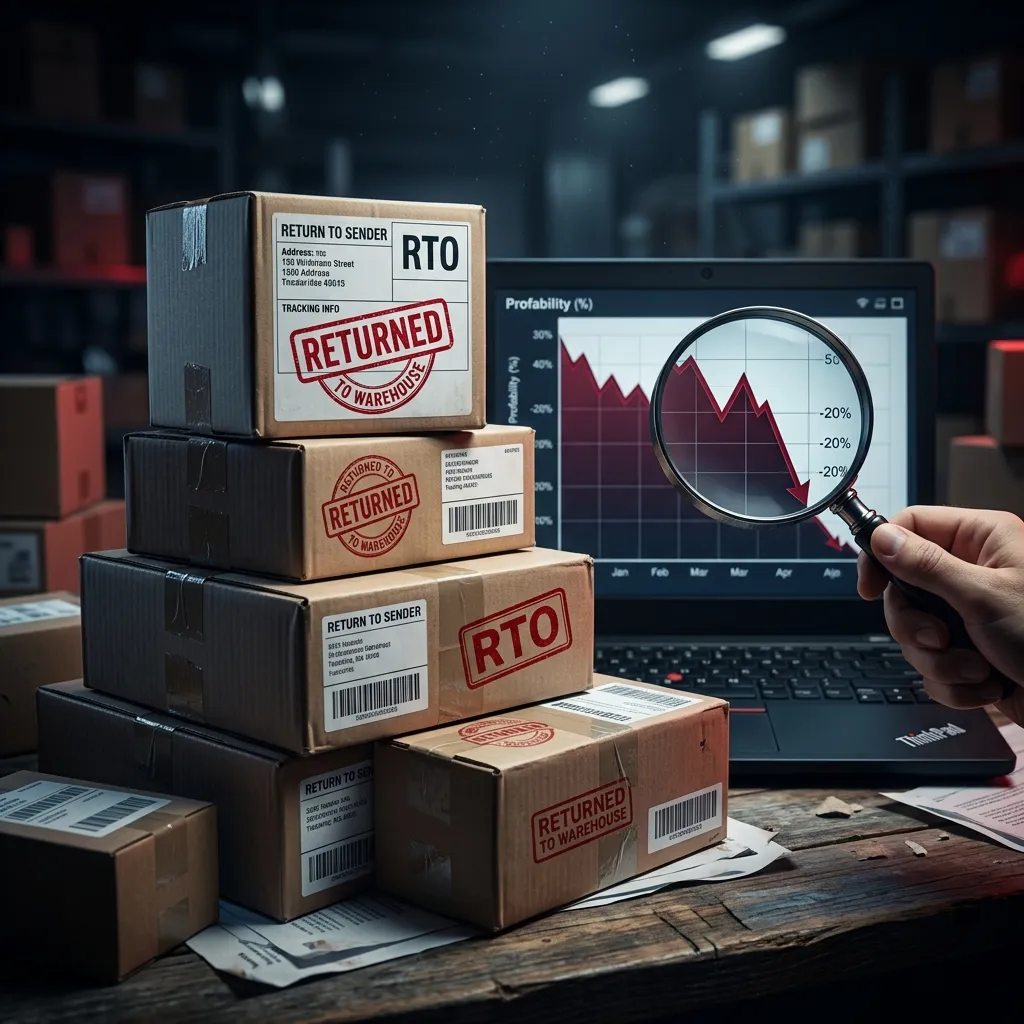
Return to Origin (RTO) is the silent killer of e-commerce businesses. On Meesho, when an order is returned because it couldn't be delivered, you lose the packaging material cost and, in many cases, the forward shipping fee.
While some RTOs are due to customer behavior (wrong address, refusal), a shocking 30-40% of RTOs are caused by logistics failures at the seller's end — specifically, label printing and packaging errors. If the courier cannot scan the barcode quickly, or the customer address is illegible, the package sits in a hub until it's eventually returned.
Here are the top 10 label and packaging mistakes Meesho sellers make, and exactly how to fix each one. Many of these are solved automatically by using the right tools.
1. The "Shrink-to-Fit" Barcode Disaster
Problem
Sellers download the A4 Meesho PDF and send it directly to a 4x6 thermal printer with "Fit to Page" checked. This shrinks the barcode to 1/4th its intended size. The logistics scanners at the courier hub cannot read it, and the package is returned as "undeliverable."
Always crop the label first. Use our Label Crop Tool to automatically extract the shipping label and format it natively for 4x6 printing at 100% scale. This is the single most impactful fix for preventing RTOs.
2. Packing in the Wrong Order (Mixed SKUs)
Problem
Printing labels in random order means packers are constantly switching between different products. This leads to high "Wrong Item Sent" errors — a guaranteed RTO with negative seller ratings. Even one wrong item can tank your quality score.
Enable SKU Sorting in the label cropper. This groups all identical orders together (e.g., all 10 Black Watches, then all 15 Red Kurtis) so your packer fulfills them flawlessly in one continuous batch.
3. Tape Over the Barcode
Problem
To secure the label, packers often put transparent packing tape directly over the barcode. The glossy surface of the tape reflects the laser of the barcode scanner, making it unscannable at the sorting hub.
Use self-adhesive thermal labels (they stick directly without tape). If you must use paper labels and tape, ensure the tape only covers the edges of the paper, leaving the actual barcode and QR code fully exposed.
4. Faded Thermal Prints (Low Density)
Problem
Printing too fast or with low heat density results in faded, greyish barcodes that lack the contrast needed for warehouse scanners. This is common with new thermal printers that ship with low default density settings.
Go to your printer preferences (e.g., TSC or Zebra settings) and increase the 'Darkness' or 'Density' setting to 12-14, and lower the print speed slightly. The barcode should be deep, solid black. Do a test scan with your phone camera to verify.
5. Handing Mixed Courier Sacks
Problem
Giving a mixed bag of Delhivery, Xpressbees, and Ecom Express packages to the first pickup agent who arrives. Packages end up in the wrong logistics network and are eventually RTO'd as "Lost in Transit."
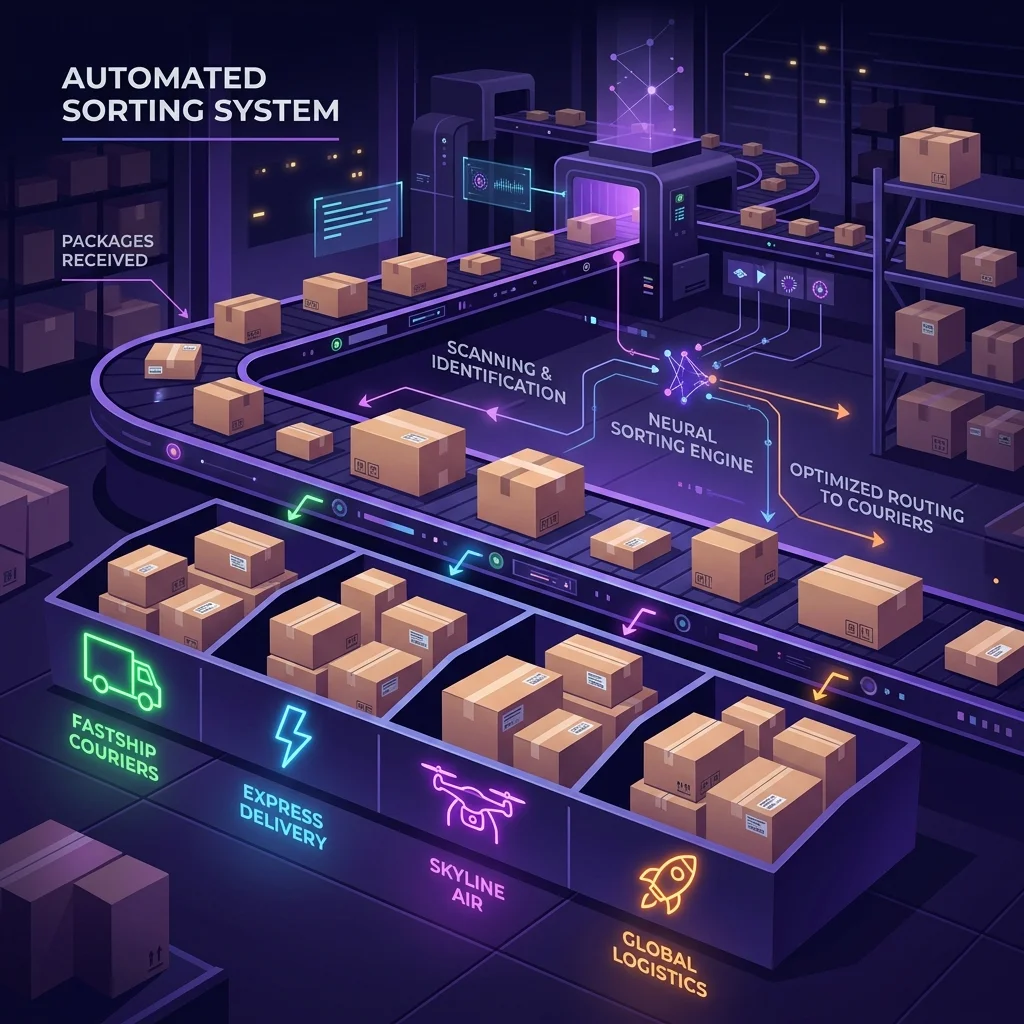
Use the Courier Sorting feature in our label tool to group your printouts by logistics partner. Pack all Delhivery orders in one sack, Xpressbees in another. Hand each sack only to the correct courier agent.
6. Ignoring the 11 AM Cutoff
Problem
Downloading labels after 11 AM delays your pickup to the next working day. This adds a full 24-hour delay to delivery. Customers who expected fast delivery may cancel or refuse the package upon arrival — resulting in a customer-initiated RTO.
Make downloading labels the first task of your day. Accept all pending orders and download labels before 11 AM to trigger same-day pickup. Learn the complete morning workflow in our shipping label generation guide.
7. Transparent or Branded Packaging
Problem
Meesho explicitly bans transparent packaging and external branding. If the contents, MRP, or any brand name is visible from outside, courier hubs will reject the shipment, causing an immediate RTO and potential penalty from Meesho.
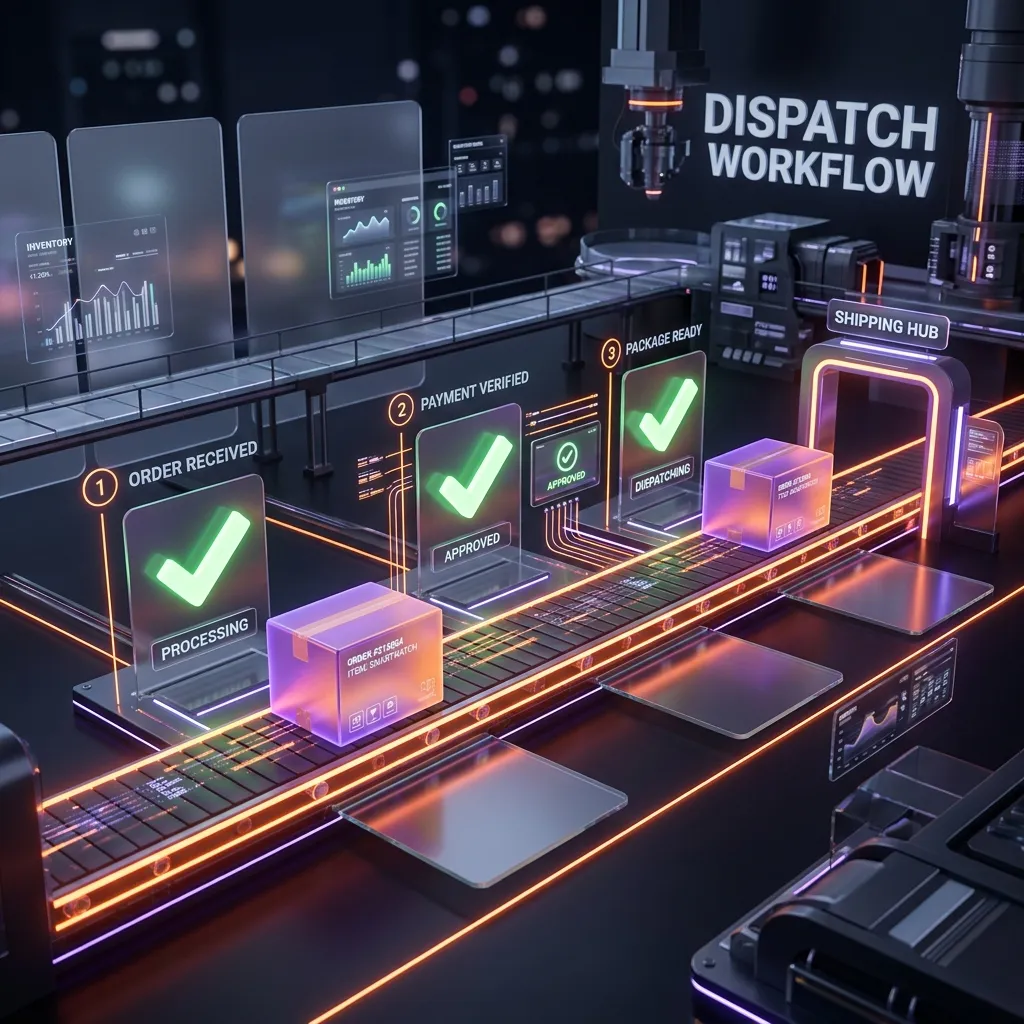
Use plain, opaque (non-transparent) courier bags — minimum 50 microns for tamper-proofing. Use white or grey unbranded bags. Keep all price tags and branding inside the package only. Read the full packaging rules in our dispatch workflow guide.
8. Missing the Manifest Signature
Problem
Not printing the order manifest or forgetting to get the pickup agent's signature. If a package is lost before the first hub scan, you cannot claim compensation for the lost inventory without that signed manifest as proof of handover.
Always print two copies of the manifest from the Meesho Supplier Panel. Hand one to the pickup agent and get them to sign both copies. Keep one signed copy for your records. This is your only legal proof of handover.
9. Including the Invoice Unnecessarily
Problem
Printing the full A4 PDF with the tax invoice wastes paper, increases packing time, and requires folding the paper awkwardly to fit on small courier bags. The fold often goes right through the barcode, making it unscannable.
Use our label cropper to remove the invoice portion entirely. The invoice is stored digitally in your Supplier Panel for accounting and GST purposes. Only include a physical invoice for high-value electronics or if your state tax rules require it. Learn more: Meesho Label Crop With Invoice.
10. Using Inkjet Printers at Scale
Problem
Inkjet ink smudges if a single drop of rain, sweat, or humidity hits the label during transit. A smudged barcode cannot be scanned, leading to an "Undeliverable" RTO. Inkjet printing also costs significantly more per label due to ink consumption.
Switch to a 4x6 thermal printer (Xprinter XP-460B starts at ~₹5,000). Thermal printers use heat instead of ink — labels are waterproof, smudge-proof, and print 3x faster. See our recommended printers in the thermal label guide.
How Automated Label Cropping Prevents 5 of These Mistakes
A good label cropping tool doesn't just crop PDFs — it actually prevents half the mistakes on this list automatically:
| Mistake | How The Tool Prevents It |
|---|---|
| #1 Shrunk Barcodes | Automatically formats labels to native 4x6 at 100% scale |
| #2 Mixed SKUs | SKU Sorting groups identical items together for batch packing |
| #5 Mixed Couriers | Courier Sorting separates labels by logistics partner |
| #9 Unnecessary Invoice | Automatically removes the invoice, keeping only the shipping label |
| #10 Inkjet Issues | Formats output specifically for thermal printers with correct dimensions |
Pre-Dispatch Label Quality Checklist
Run through this checklist before handing any package to the courier agent:
- ✅ Is the barcode printed at 100% scale (not shrunk)?
- ✅ Is the print dark and solid black (not faded/grey)?
- ✅ Is the label free of tape over the barcode area?
- ✅ Is the label placed on the flat side of the package (not wrapping around an edge)?
- ✅ Is the packaging opaque and non-branded?
- ✅ Have I separated packages by courier partner?
- ✅ Is the manifest printed and ready for the pickup agent's signature?
- ✅ Did I download labels before 11 AM?
Frequently Asked Questions
Barcodes fail to scan due to three main reasons: (1) printed too small because the A4 PDF was sent to a 4x6 printer without cropping first, (2) printed with low DPI or faded density settings, or (3) glossy packing tape was placed over the barcode causing laser reflection. Use our label crop tool and increase your printer's darkness setting.
Focus on three areas: (1) Ensure shipping labels are perfectly scannable using a thermal printer and label cropper, (2) Use SKU sorting to eliminate wrong-item dispatch, and (3) Dispatch before 11 AM for faster delivery, reducing customer refusals. Read our detailed RTO cost analysis.
Meesho requires plain, opaque, non-branded packaging. No MRP should be visible on the outer package. Use 50+ micron tamper-proof polybags or corrugated boxes for fragile items. See the full packaging rules in our dispatch workflow guide.
Thermal printers are strongly recommended once you cross 20 orders/day. They don't use ink (labels are waterproof and smudge-proof), print 3x faster, and produce sharper barcodes. See our thermal printer recommendations.
You must have a signed manifest from the pickup agent as proof of handover. Always print two copies, get the agent to sign both, and keep one for your records. Without this, Meesho cannot process compensation claims. Raise a ticket under "Lost in Transit" in the Support tab.
• How to Generate Meesho Shipping Labels
• Complete Dispatch & Packing Workflow
• How to Crop Labels for Thermal Printers
• The Hidden Cost of RTOs on Meesho
📊 Calculate Your Real Meesho Profit
Use our free Meesho profit calculator to find your actual margin after all fees, shipping, RTO losses, and taxes.
Try Free Calculator