Meesho shipping charges: start with your account's current rate
There is no reliable single public rupee table that gives every seller's Meesho shipping charge. The amount for a particular order depends on the terms shown for that account and shipment. Product weight, packed dimensions, pickup and delivery locations, service and later adjustments can matter. Use the current Supplier Panel and the order's payment report before putting a shipping figure into a listing-price calculation.
Meesho's supplier site advertises zero commission and a delivery service. Zero commission does not mean delivery has no seller-side cost. The supplier-facing statement is useful background; your own rate view and payment lines are the evidence for the amount charged to your business.
Record what you actually hand to the courier
Measure and weigh the packed parcel, not just the bare product. A larger box, protective fill or a second item can change the shipment details. Store the product SKU, packed weight and dimensions with a sample of orders so you can investigate differences later. The precise method used to bill a shipment should come from Meesho's current terms for that service; do not assume that a divisor or weight slab from another courier applies unchanged.
Reduce unnecessary empty space where the item remains safely protected. A thinner package can save material and sometimes affect a billed size, but squeezing a fragile product into the wrong bag can cost more in damage and returns. Test a packaging change on real dispatches and compare the actual payment entries before calling it a saving.
Read shipping alongside the rest of the settlement
Download the order and payment information for the same seller account and period. Match by sub-order number, then identify the delivery-related line and any later adjustment. A return or RTO can produce more than one payment event. Counting raw rows as separate orders will make your average cost misleading.
Keep the buyer-visible selling price, expected seller settlement, delivery-related charges and bank credit in separate columns. If your starting settlement figure is already net of delivery, do not subtract the same charge again. The Meesho payment CSV guide shows the order-level reconciliation approach.
Use real delivery figures when setting a price
For a new SKU, choose a cautious delivery-charge figure from the current Supplier Panel or comparable recent orders in your own account. Enter it into the Meesho profit calculator with product cost, packaging, ads, settlement and return assumptions. The calculator accepts a delivery-charge input; it does not supply live local, regional or national Meesho rates.
Test more than one scenario when the expected destinations or package sizes vary. If an order is profitable only at the lowest delivery assumption, the listing price may need more room. After the first settled orders, replace the estimate with the observed amount for that SKU and account.
When a charge looks too high
- Check that you have the right account, sub-order and payment period. Look for reversals or later adjustments.
- Compare the charged shipment with the product's packed weight and dimensions, not the catalog item's bare measurements.
- Review the current terms or rate details shown in the Supplier Panel for that account and service.
- Save the label, order reference, package evidence and payment line. If the charge still does not reconcile, use the panel's current support or dispute route.
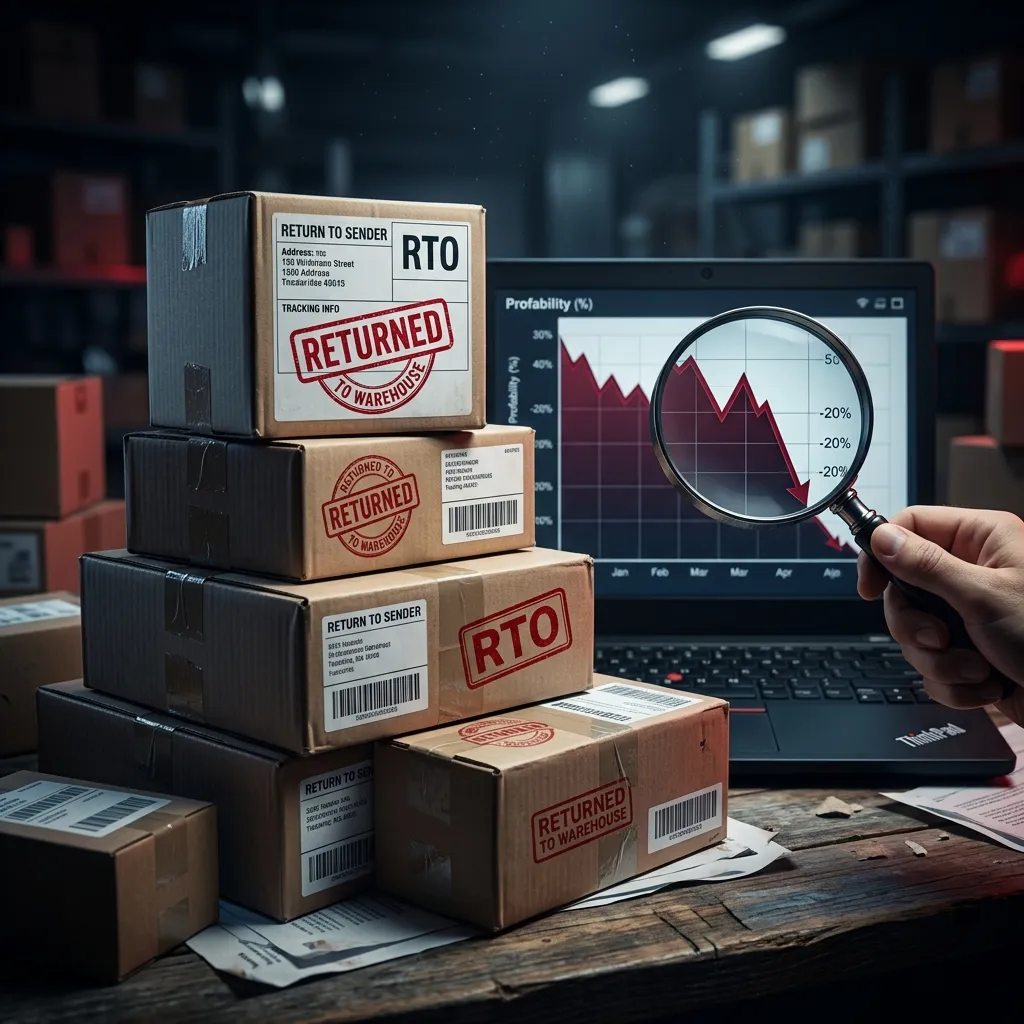
For customer returns and undelivered parcels, check the outcome before assigning the charge to a cost category. Our RTO cost guide separates those cases.
Common questions
What are the current Meesho shipping charges for sellers?
Use the rate and deduction shown for your account, product and order in the current Supplier Panel and payment report. A public example cannot establish the charge for every weight, location and service.
Does the Meesho profit calculator show live local, regional and national rates?
No. The public calculator has a delivery-charge field that you fill with your own current figure. It does not fetch a live Meesho rate card or offer zone toggles.
How should I check a shipping charge that looks wrong?
Compare the order and packed product details with the applicable panel terms and payment line. Save the order reference and supporting measurements, then use the current Supplier Panel support route if the charge still appears incorrect.
Try the workflow with your own data.
Open the matching Seller Analytics Hub tool and review the result before using it for dispatch or reporting.