Start with the orders due for dispatch
A good Meesho dispatch run begins with the current order list, not a fixed clock time from an old article. In the Supplier Panel, select the right seller account and check each order's status and displayed dispatch deadline. Confirm that the item, variant and quantity are available before you accept or prepare it.
Keep a simple batch sheet: order reference, SKU, quantity, assigned pickup partner, label printed, parcel packed and handover confirmed. This makes it easier to find an exception without counting the same order twice.
Download and check the labels
Use the current panel action to download labels for orders ready to ship. Compare the selected orders with the PDF you received. Open several pages and check the address, barcode, order reference and any invoice section before printing. Our label-download guide covers common download problems.
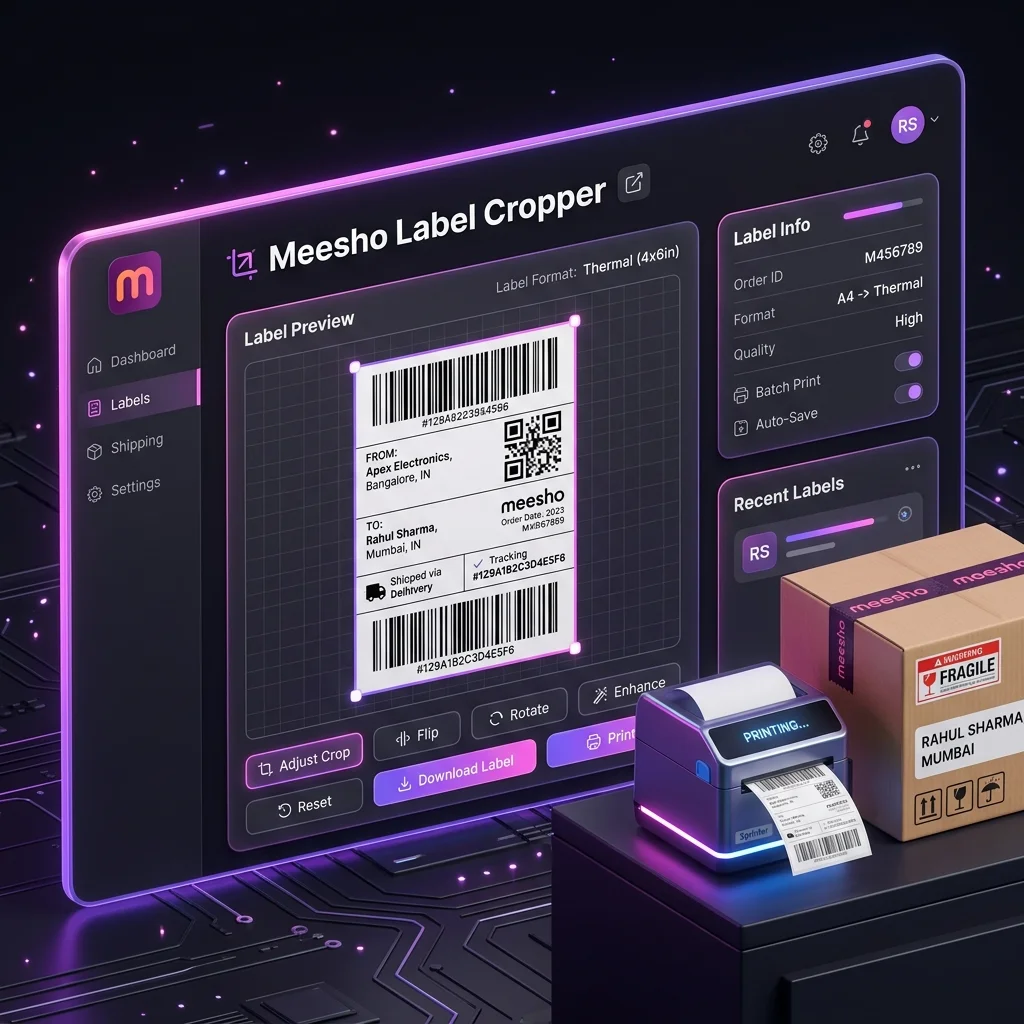
If the label area needs cropping, the Meesho label tool can process supported PDFs in your browser. It can group labels by SKU or courier, but it keeps every courier group in the output. Review the count and page order before packing. The Hub records a limited batch usage summary after processing; see the privacy notice.
Match the item, label and parcel
- Pick the product by SKU and check its size, color and quantity against the order.
- Use packaging suited to that item and the current marketplace instructions. Protect fragile items and seal the parcel so the contents cannot shift or escape.
- Place the readable label on a flat area. Keep the barcode and its surrounding blank space clear of folds, seams and tape glare.
- Before sealing, compare the label reference with the item and batch sheet. SKU sorting makes similar orders adjacent; it does not replace this check.
Weigh or measure the finished parcel when those fields affect your listed package details. If the current Supplier Panel or pickup partner provides a packaging rule for your category, follow that rule rather than a universal bag thickness from a blog.
Confirm the courier handover
Keep parcels grouped by the pickup partner shown on their labels. Count the parcels offered to each agent, then confirm the pickup scan, manifest or other acknowledgment provided by the current workflow. Record exceptions such as an unscanned parcel or a missed pickup while the batch is still easy to trace.
A downloaded label is not a pickup receipt. A printed manifest can help, but do not assume one specific signature format is the only valid proof or that any proof guarantees a claim result. Preserve the handover record the panel and pickup partner actually provide.
Close the loop after dispatch
- Label unavailable: check the order's current state, note the displayed error and try one order before repeating a bulk download.
- Barcode unreadable: print one test label after checking crop, paper size and printer settings. See the thermal print guide.
- Pickup missed: record the affected order references and use the support route shown in your panel. Do not assume a fixed hour or automatic penalty waiver.
- Count mismatch: compare selected orders, printed labels, packed parcels and confirmed scans before closing the batch.
For a quick check at the packing table, use our label and packaging mistakes checklist.
Try the workflow with your own data.
Open the matching Seller Analytics Hub tool and review the result before using it for dispatch or reporting.