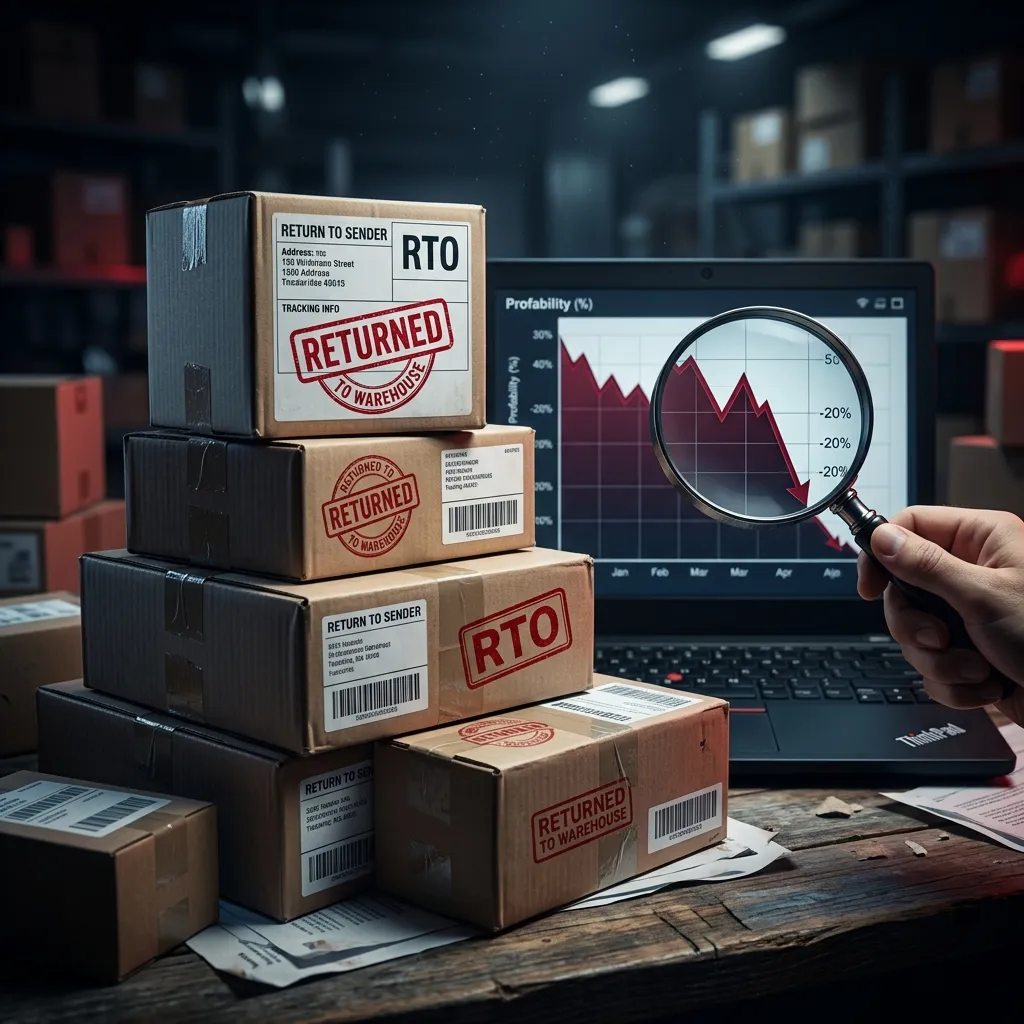
The Return Fraud Problem in 2026
While selling on Meesho offers huge volume, it also exposes suppliers to one of the highest customer and courier return rates in the e-commerce industry. High return rates (often between 20% to 35%) are bad enough, but **fraudulent returns** (receiving empty boxes, used items, or completely different products) can completely wipe out a seller's profit margin.
To survive and thrive on Meesho, you must shift from a passive approach to a proactive, evidence-based operation. By implementing a standardized return verification protocol, you can protect your inventory and successfully claim compensation through Meesho's Safe-T claim system.
Meesho has a strict policy: you must file your claim within 72 hours of delivery of the returned package. If you miss this window, your claim will be rejected automatically, no matter how clear your proof is.
Common Types of Return Scams
Return fraud generally falls into three categories, and knowing which one occurred helps you choose the right claim reason:
1. Customer Swap (Wrong Item Return)
The customer orders a premium branded saree or electronic item, initiates a return, and sends back an old, worn-out local item, or a block of wood/soap of similar weight.
2. Courier Swap (Logistics pilferage)
During transit, delivery personnel or warehouse staff open the tamper-proof packaging, steal the original product, and replace it with trash or reseal the empty outer cover. You can identify this by inspecting if the secondary security tape or seal has been tampered with.
3. Empty Box Return
The customer or courier returns the shipping bag containing only paper, bubble wrap, or absolutely nothing.
Pre-Packaging: Building Your Defense
You cannot win a dispute if you don't have proof of what you originally sent. Your defense starts at the packing table:
- Use Branded, Barcoded Polybags: Standard plain polybags are easy to open and tape back. Use custom, serialized, tamper-evident security bags. Record which serial number was used for which Order ID in your system.
- Weight Recording: Weigh your packed boxes and print the weight on the shipping label or log it in your shipping manifest. A mismatch between dispatch weight and return weight is solid evidence for courier swap claims.
- CCTV at Packing Stations: Position cameras directly above the packing desks. If a dispute arises, you can export the video showing the exact item being packed into the matching shipping bag.
The Ultimate Unboxing Video Checklist
Meesho's review team relies almost entirely on the return unboxing video to approve or reject disputes. If your video is blurry, edited, or doesn't show details, your claim **will be rejected**. Follow these rules to make your video bulletproof:
Rule 1: Single, Uncut Take. Never pause the recording, cut the frame, or edit the video. Any jump cut invalidates the video as evidence.
Rule 2: Label Zoom. Start the video by zooming in on the shipping label. The Order ID, AWB number, customer details, and barcode must be completely readable in the video.
Rule 3: Show 360-degree Package. Hold the package up to the camera and rotate it. Show all sides, corners, and seals to prove whether it was open, tampered with, or resealed with local cellotape.
Rule 4: Unbox in Frame. Keep the box fully in the center of the camera frame. Cut the package open and pull out the contents clearly. Show what was inside, and zoom in on the wrong or damaged product.
Winning Safe-T Claims Step-by-Step
Once you verify that a return is fraudulent, raise a dispute immediately:
- Go to Meesho Supplier Panel -> Support.
- Click on Returns & RTO Disputes and choose the correct sub-issue (e.g., "Received wrong/damaged product").
- Enter the **Sub-Order ID**.
- Upload your evidence:
- High-resolution photos of the outer packaging, shipping label, and the wrong product.
- A link or direct upload of the uncut **unboxing video**.
- A copy of the packaging station video/photos (if available).
- In the description, write a clear, concise note. Example: "Received a used local t-shirt instead of the ordered cotton kurta. The unboxing video clearly shows the tampered outer package and AWB label."
Visual Returns Review Cheat Sheet
Train your warehouse staff to use this quick check when receiving returns:
| Checkmark | Package Condition | Action | Claim Strategy | |
|---|---|---|---|---|
| 📦 OK | Clean original seal, correct weight, correct product. | Restock & Shelve | None needed. | |
| ✂️ TAMPERED | Resealed with clear/brown tape, cut on sides. | Record Unboxing Video | File claim under Courier Pilferage / Swap. | |
| ⚖️ WEIGHT MISMATCH | Weight feels significantly lighter or heavier. | Record Unboxing on Scale | File claim highlighting the weight difference. | |
| 🗑️ WRONG ITEM | Outer seal looks OK, but incorrect cheap product inside. | Record Unboxing Video | File claim under Customer Wrong Return. |
📊 Claim What is Yours. Protect Your Profits
Track your return rates, RTO percentages, and Safe-T claim recovery rates. Keep your bottom-line healthy using our advanced profit metrics dashboard.
View Your Returns DashboardTry the workflow with your own data.
Open the matching Seller Analytics Hub tool and review the result before using it for dispatch or reporting.


