What does “Meesho label crop with invoice” mean?
A Meesho order PDF may contain both a shipping label and an invoice section. Sellers often want a compact shipping label for the parcel while keeping access to the invoice. These are separate decisions: what appears in the print file and what records you must retain or provide for the order.
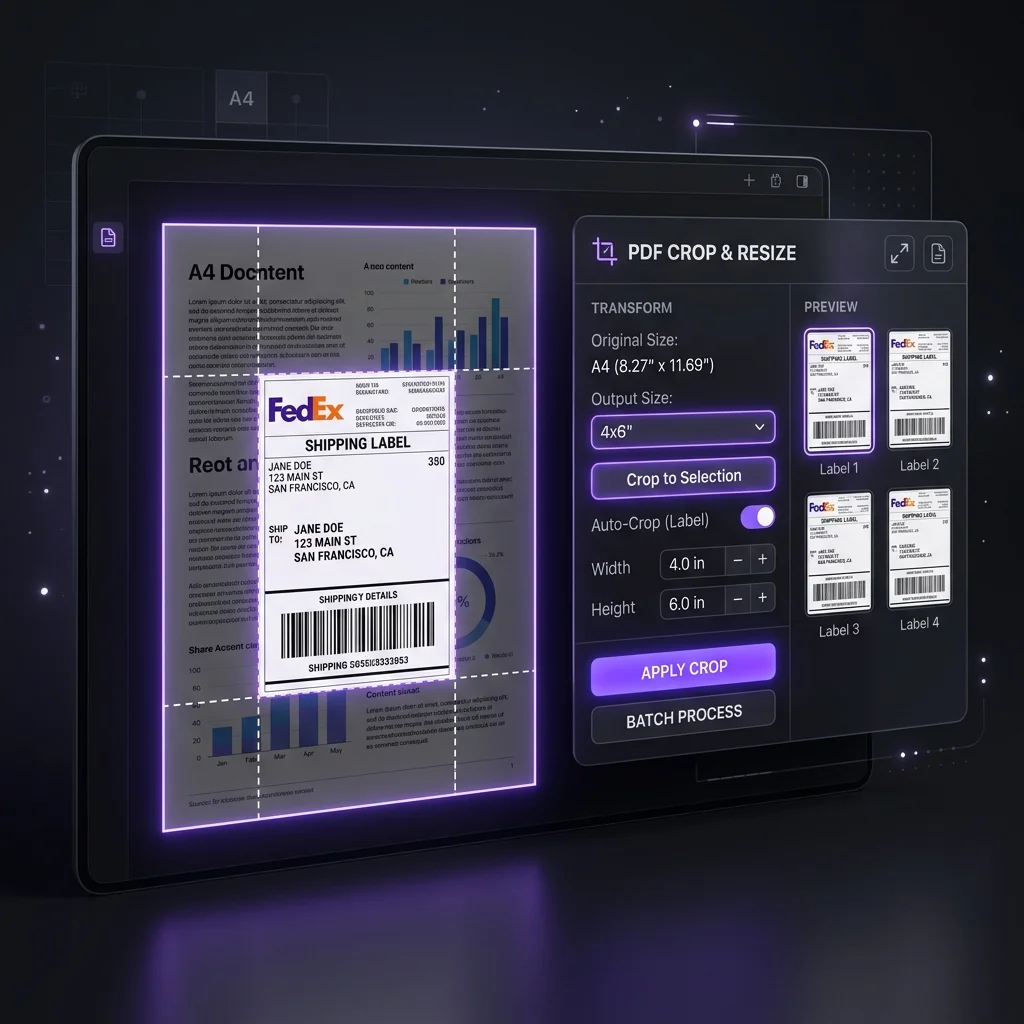
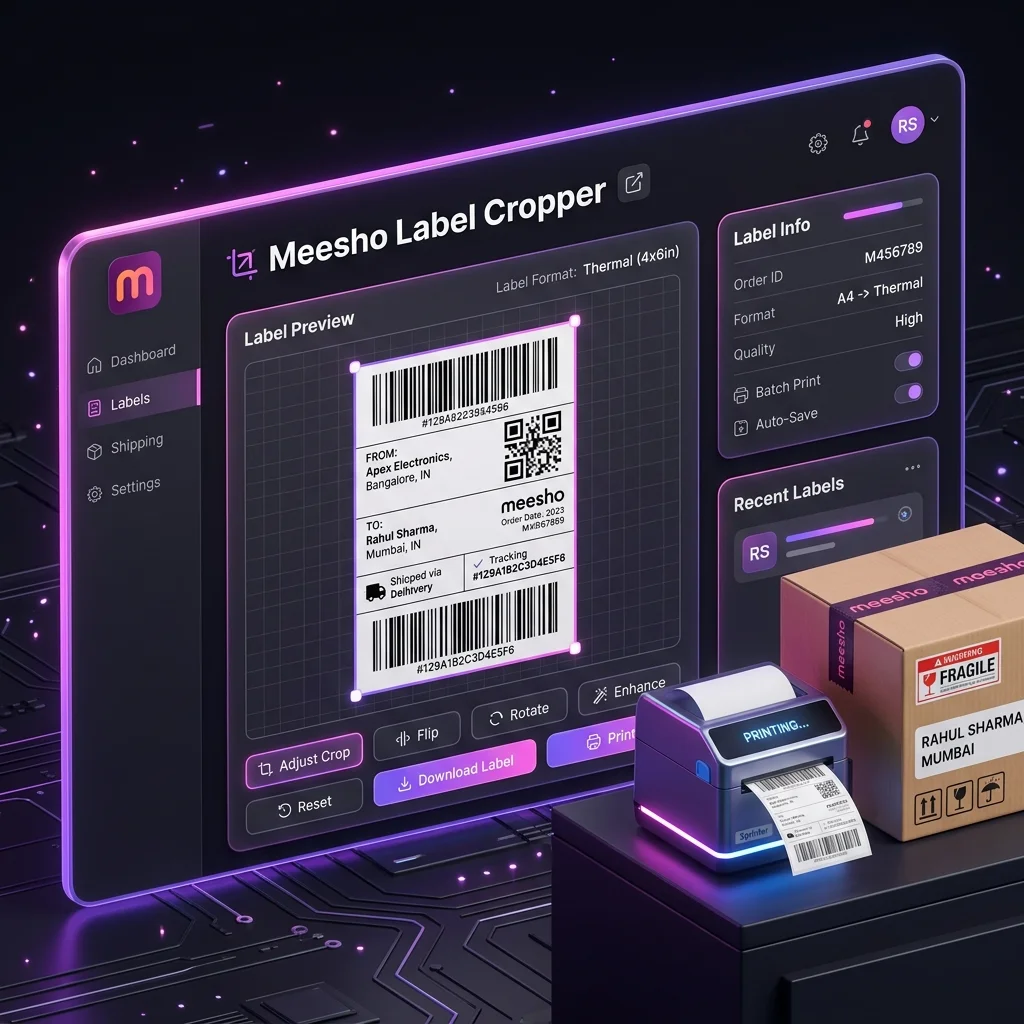
The Meesho Label Crop Tool has a Keep invoice option. With it off, the tool crops the output to the label area. With it on, the output keeps the source page and its invoice section. It does not create a separate invoice PDF or determine whether an invoice must go inside a particular parcel.
Crop the label or keep the source page
- Download the order label PDF from the current Supplier Panel workflow. Check the seller account and the orders selected.
- Open the Meesho Label Crop Tool and upload a small sample first.
- Leave Keep invoice off for cropped label pages. Turn it on if the print output should retain the invoice portion.
- Process the PDF and inspect a label, its barcode and any invoice content you chose to retain before printing the full batch.
If the source PDF has an unusual layout, inspect each output page carefully. The tool uses text and page-position cues to choose the crop, with a fallback for pages where it cannot find the invoice heading. Do not assume every marketplace or older Meesho PDF will crop identically.
A print layout is not an invoice policy
Cropping an invoice section from a label print file does not cancel the underlying transaction document or your record-keeping duties. Keep access to the original order PDF and check the current marketplace instructions and applicable invoice requirements for the transaction. The CBIC invoice rules are a starting point for registered sellers. If you are unsure about a tax document, confirm with your accountant or adviser before changing your packing process.
For a buyer, the shipping label and tax invoice serve different purposes. Make sure the label remains readable and that the invoice is available through the channel required for that order. Our invoice and label checklist explains the distinction in more detail.
Sort the labels without losing track of invoices
For a mixed PDF, the tool can group pages by SKU or by courier partner. Courier sorting keeps all courier groups in the output; it does not export one courier alone. Review the on-screen breakdown and the downloaded page order, then match each printed label to its parcel and original order record.
If you handle more than one seller account, keep account identity in your batch notes. A globally sorted print file can make packing easier, but it should not replace the account-level order and invoice trail.
The PDF content is processed in your browser. The Hub records a limited batch usage summary after processing; read the privacy notice for details.
Crop Meesho labels · Print multiple labels on A4 · Sort by SKU or courier
Choose your print output
Test “Keep invoice” with a small batch, inspect the downloaded PDF, then print.
Open Meesho Label Crop ToolTry the workflow with your own data.
Open the matching Seller Analytics Hub tool and review the result before using it for dispatch or reporting.