Start with the label you actually downloaded
A thermal printer needs a page that fits its loaded label stock. A Meesho PDF may include a shipping label, an invoice and margins. Sending the whole page to a small sticker can shrink the address and barcode. Before changing print settings, open the PDF and check its page size, label position and invoice section.
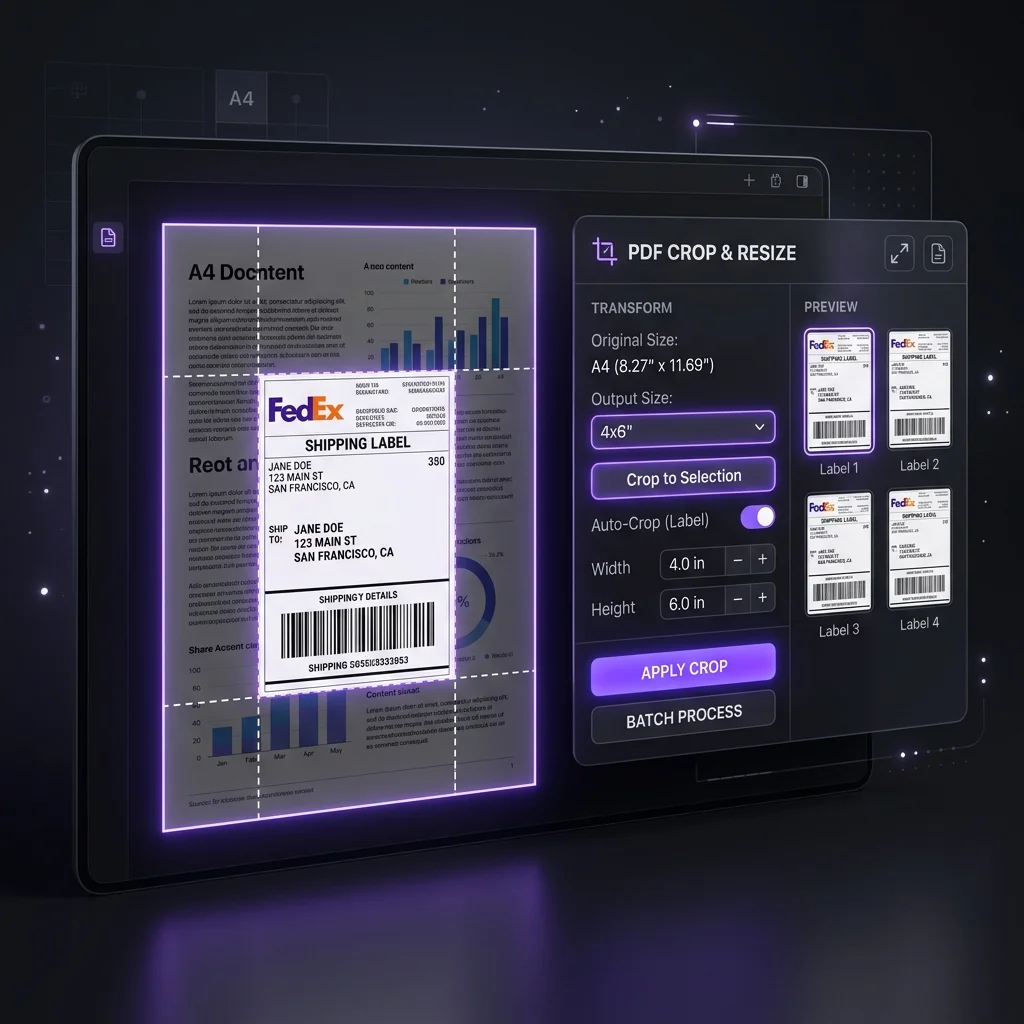
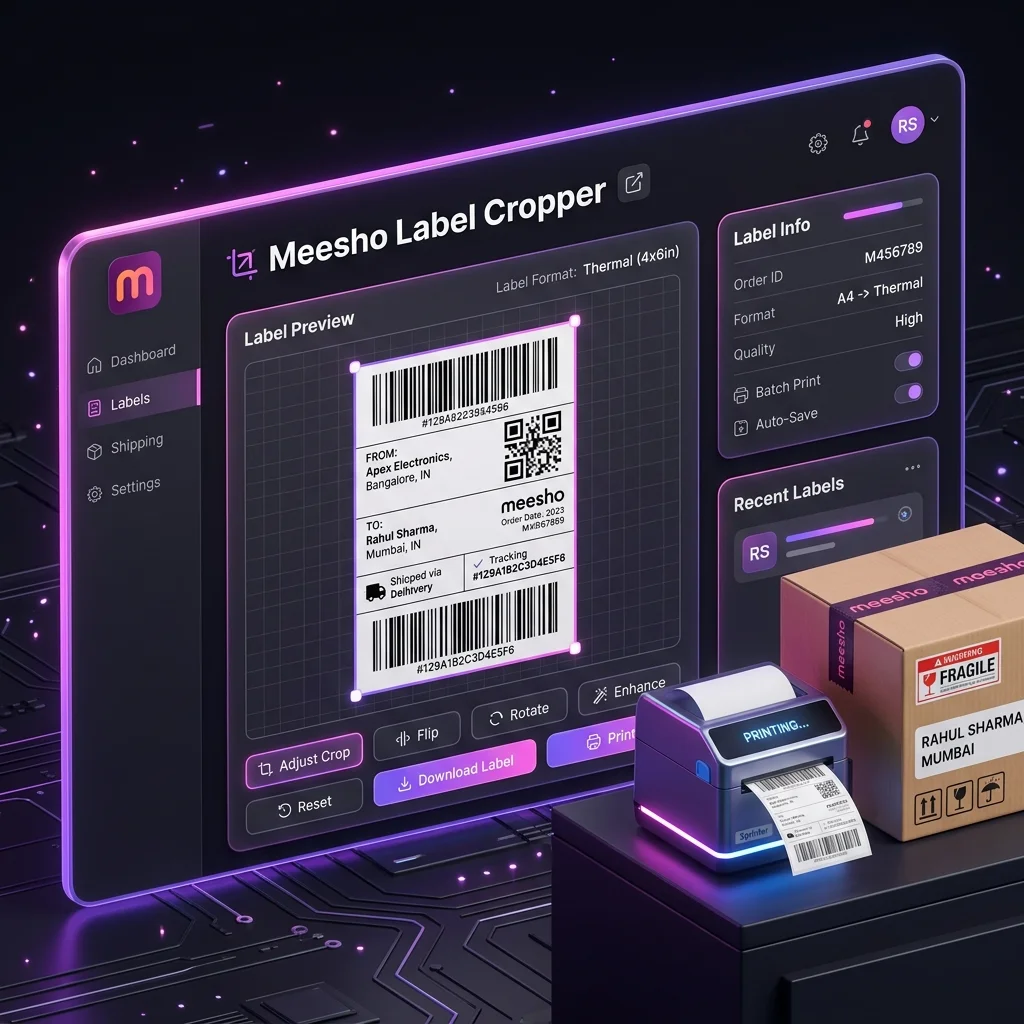
Cropping and resizing are different jobs. The Meesho label crop tool crops the shipping-label area from supported source PDFs. Its output page follows the cropped source dimensions; it does not offer a fixed 4 × 6 inch page-size selector. Your PDF viewer and printer driver determine how that page is placed on the loaded media.
Crop a small test batch
- Download a few labels from the current Meesho Supplier Panel workflow. Confirm the account and order selection.
- Upload the PDF to the Meesho label crop tool. Turn on SKU or courier sorting only when useful for the batch.
- Leave Keep invoice off for a label-only print file. Turn it on if you need the source page with the invoice section in the output.
- Process and download the PDF. Inspect each test page for a complete address, order reference and barcode before printing.
The tool processes PDF contents in your browser and records a limited batch usage summary after processing. The privacy notice explains that distinction.
Match the printer to the media
Measure the actual sticker width and height, then select that stock size in the printer driver. Do not assume every “thermal label” roll is 100 × 150 mm. Check the manufacturer's setup guide for media calibration, print darkness and speed; those settings vary by printer, ribbon or direct-thermal stock.
In the print preview, check whether the PDF viewer is scaling the page. “Actual size” is useful only if the PDF page dimensions match the loaded sticker. If the preview clips the address or barcode, change the page placement or stock choice and test again. A viewer's “fit” setting may be necessary for a differently sized source page, but verify the resulting barcode size on paper.
Inspect and scan the first printed label
- Confirm the text, barcode and blank space around the barcode are visible and away from sticker edges.
- Check for missing print lines, pale bars, dark bleed or a cut-off address.
- Scan a sample with the scanner used in your packing workflow when available. A phone camera result is a useful check, but it does not guarantee the courier's scanner will accept every print.
- Match the printed label to the parcel and order before producing the rest of the batch.
If the crop removed required content or the print is hard to read, return to the original PDF and troubleshoot the source layout. The PDF crop and resize guide covers that distinction, and the A4 guide covers a different print path.
Prepare one label before the batch
Crop a small Meesho PDF, review the output and test it on your own printer.
Open Meesho Label Crop ToolTry the workflow with your own data.
Open the matching Seller Analytics Hub tool and review the result before using it for dispatch or reporting.