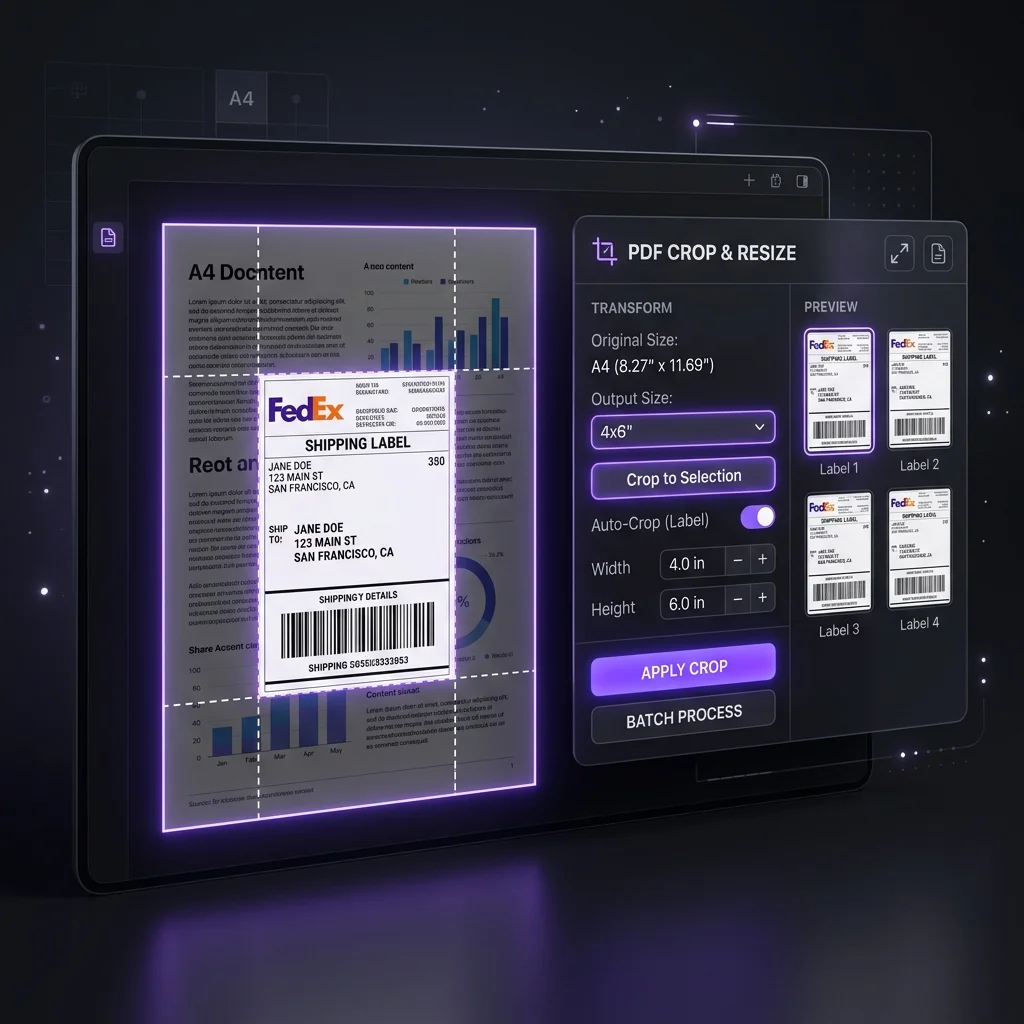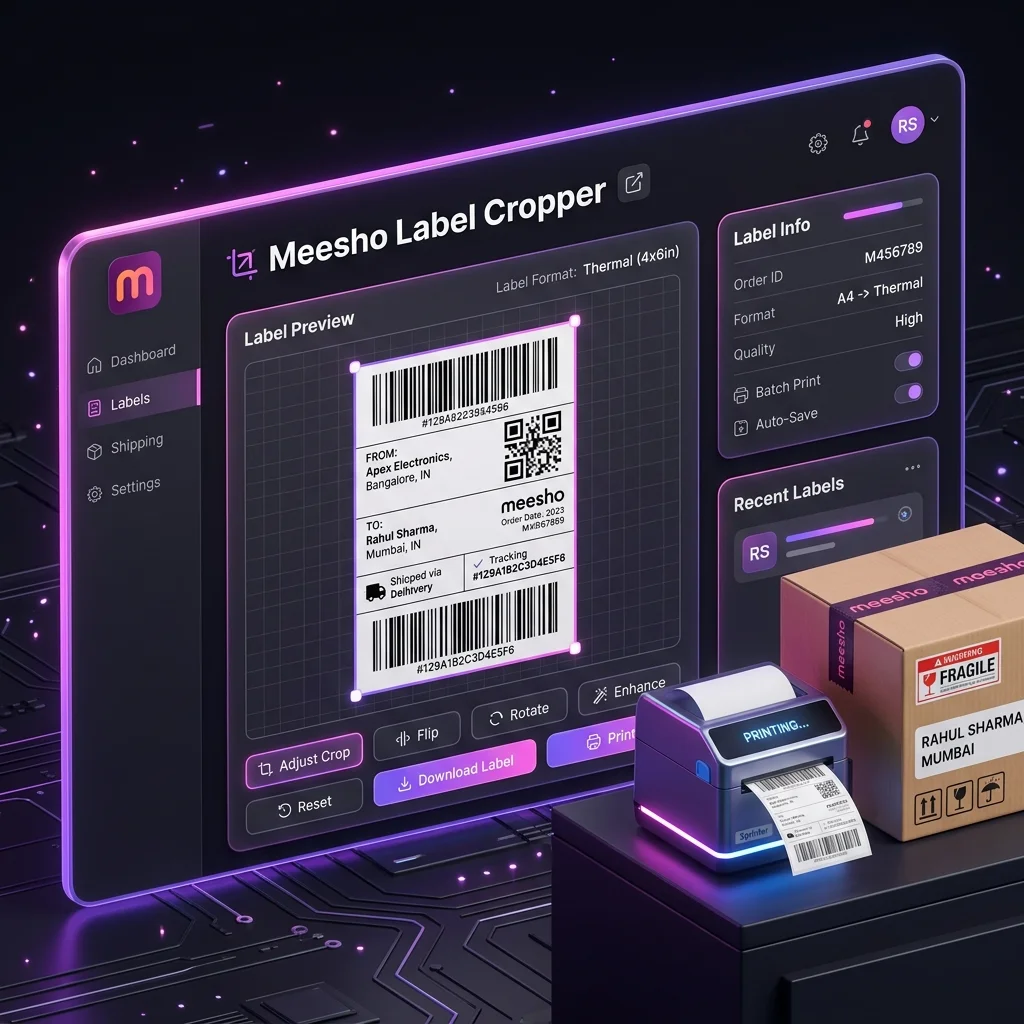
Can you print four Meesho labels on one A4 sheet?
Often, yes, if each cropped label stays large enough for its address and barcode to be read. The result depends on the size of the source label, the PDF viewer, your printer's margins and the paper you use. Do one sheet first. A smaller, unreadable barcode costs more than the paper it saves.
Our Meesho label tool crops the label area from supported Meesho PDFs and downloads a PDF with one cropped label per page. It does not create a four-label A4 grid. Your PDF viewer's “pages per sheet” setting creates that layout at print time.
Prepare a PDF with cropped labels
- Download the label PDF for the orders you are packing from the current Meesho Supplier Panel workflow. Check that the account, orders and date range are right.
- Open the label tool and add the PDF. The tool processes PDF contents in your browser and records a limited batch usage summary; see the privacy notice.
- Choose SKU or courier grouping only if it helps your packing run. Leave Keep invoice off for a label-only print file, or switch it on when you need the invoice in that output.
- Process the file, review the label count and download the resulting PDF. Open a few pages to confirm the address, order identifier and barcode are intact.
Choose a four-up A4 print layout
- Open the downloaded PDF in a viewer that offers multiple pages per sheet.
- Choose A4 paper and four pages per sheet (a 2 × 2 layout). Use the viewer's preview to check orientation and margins.
- Print one test sheet at the quality setting you normally use. Do not assume “fit to page” preserves a readable barcode.
- If any label is too small or clipped, use fewer labels per sheet or print each cropped label separately.
Viewer controls vary. Some scale pages automatically to fit the printer's printable area. The tool's PDF page size follows the cropped source page, so inspect the print preview rather than treating “four per sheet” as a universal size preset.
Check the first sheet before a batch
- Read the order number and destination text without zooming.
- Check that no barcode or quiet zone touches a cut line or printer margin.
- Scan a sample barcode with your normal packing workflow if you have a scanner.
- After cutting, match each label to the correct parcel. Keep any invoice according to the order and current document requirements.
Four labels on one sheet use one sheet instead of four when all four fit and print correctly. That is a 75% reduction in sheet count for that batch, not a guaranteed 75% reduction in total print cost. Toner, failed prints, cutting time and relabeling still matter.
Meesho label crop guide · Label and invoice choices · Thermal printer setup
Prepare a test print
Crop a small batch, inspect the PDF, then use your viewer to test the A4 layout.
Open Meesho Label ToolTry the workflow with your own data.
Open the matching Seller Analytics Hub tool and review the result before using it for dispatch or reporting.