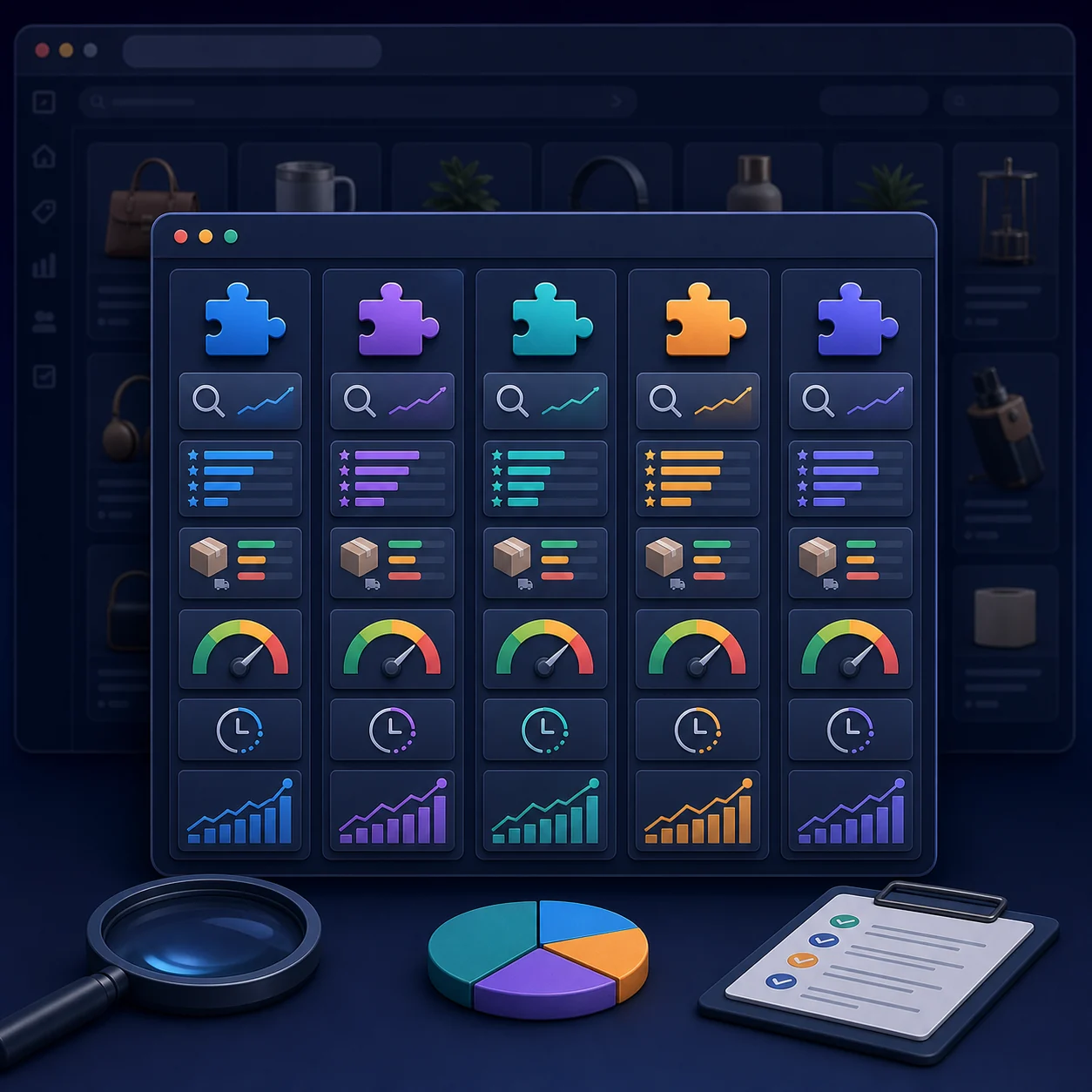
The best Meesho product research extension depends on the job. Use a finder tool to open your own public listing, a filter tool to shortlist products by visible signals, or a research overlay to compare pricing and estimated demand. Catalog entry and private seller reports are separate jobs. No extension can turn one public signal into a guaranteed “winning product.”
This comparison was researched on July 30, 2026 using official Chrome Web Store listings and product websites. Seller Lens was checked again on September 29; SellerRadar pricing and Mee Master’s store listing were rechecked on September 30, 2026. Their descriptions and figures can change, so the date and source are stated beside each current snapshot. Verify the listing and checkout terms before installing or paying.
We selected tools with distinct public workflows rather than stuffing the table with near-duplicates. Seller Analytics Hub publishes Seller Lens, so our own product is included with the same standard: store-disclosed features, clear limitations, and no unsupported “best” claim.
Meesho Extension Comparison by Seller Job
| Tool | Primary job | Publicly listed signals/workflow | Important limit |
|---|---|---|---|
| OneClickOMS Finder | Find your own product | One-click search and smart matching from Meesho/Supplier context | Finding a page does not measure demand or rank. |
| SellerRadar | Paid product research | Daily-order estimates, ratings charts, supplier details, quality score, lifetime volume, price/shipping | Ask how estimates and scores are calculated. |
| Mee Master | Research plus AI listing workflow | Sales/revenue estimates, competitor analysis, AI listing optimization, price alerts, trends | Several outputs are estimates or AI suggestions, not marketplace facts. |
| Meetrend | Category filtering | Auto-scroll, rating/review/price filters, saved results, CSV export | High review totals can favor old products and do not prove current profit. |
| EcomFriendly Seller Lens | Public-page margin research | Price, shipping, seller cost, settlement estimate, 7-day order estimate, RTO/quality signals, competitors | Its store copy explicitly labels order and RTO signals as estimated/experimental. |
| Hydrogen11 Meesho Lens | Supplier and listing overlay | Price, shipping, seller cost, supplier, listing score, SKU/product ID, seller state | A composite listing score needs methodology and should not replace field-level checks. |
| Seller Lens | Public Meesho listing research on the current product page | Listing, seller, price, shipping, rating, demand, return and margin context | The Chrome Web Store listing still describes an older report-sync workflow; confirm the installed version and current scope. |
These are not seven versions of the same product. OneClickOMS Finder helps locate a listing. Meetrend filters visible category cards. Research overlays, including the current Seller Lens offer, add context to a public listing. Private Supplier Panel operations belong in a separate workflow such as Supplier Analytics.
Honest Review of Each Extension Type
OneClickOMS Finder: best matched to listing verification
The OneClickOMS finder extension has the narrowest promise in this comparison: locate your product without manual scrolling. That focus is a strength for catalog QA. Verify the first matches using product/catalog ID where available, seller, images, variants, pack quantity, and price. Read the detailed find your product on Meesho guide before treating a quick link as rank evidence.
SellerRadar: OneClickOMS's paid research overlay
SellerRadar advertises a research overlay with daily-order estimates, rating distribution, supplier details, quality signals, lifetime volume, and price-versus-shipping views. On September 30, 2026, its public page listed monthly access at ₹5,000 plus 18% GST (₹5,900). The quarterly and annual cards displayed totals that did not reconcile with their stated base amounts and GST, so verify the checkout and renewal terms before paying. See the dated OneClickOMS and SellerRadar review for the card-by-card price check.
Its appeal is information density. The important demo question is provenance: which values come directly from visible Meesho fields, which are calculated, which are estimated, how often are they refreshed, and what validation error has been observed? A confident interface does not remove model uncertainty.
Mee Master: combines research, alerts, and AI content
The Mee Master Chrome Web Store listing describes estimated sales and revenue, competitor pricing, AI title and description suggestions, price alerts, trend tracking and a profit calculator. On September 30, 2026, it showed version 1.1.2, last updated August 11, and a 4.4 rating from seven ratings. Its privacy disclosure lists personally identifiable information and website content; check the current permissions and privacy details before installing.
This is suited to a seller who wants research and content assistance in one panel. Keep human review in the loop: AI copy must remain accurate to the product, and estimated sales should be used for relative comparison rather than inventory certainty.
Meetrend: useful for fast filtering, not a complete sourcing decision
The Meetrend listing describes category-page auto-scroll, minimum rating, review-count and price filters, saved lists, and CSV export. Its public privacy copy says filter preferences are stored locally and identifies activeTab, storage, and scripting permissions.
Filtering saves time, but review thresholds create selection bias. A product with 10,000 reviews may be old and saturated. Compare review count with listing age, recent change, competition, complaint themes, price, shipping, and sourcing margin.
EcomFriendly Seller Lens: unusually clear about estimate limits
The EcomFriendly listing advertises price, shipping, seller cost, settlement estimates, competitor views, target keywords, a seven-day order estimate, and experimental RTO/quality signals. Its store copy explicitly calls orders estimated from review velocity and RTO/quality directional. That caveat is good practice.
A seller can use such estimates to compare similar listings, but should not book revenue, set reorder quantity, or accuse a competitor based on modeled values.
Hydrogen11 Meesho Lens: strong visible-field overlay
Meesho Lens by Hydrogen11 lists price, shipping cost, seller cost, supplier, listing score, product ID, SKU, state, and deeper product-page breakdowns. Direct identifiers are useful for catalog management and cross-checking.
Treat its listing score as a summary, not a fact about future performance. Ask which inputs it uses and inspect the underlying ratings, price, product content, and seller details before making a decision.
Seller Lens: check the current product and store descriptions
The current Seller Lens product page describes buyer-facing Meesho listing research: observed seller and price details alongside estimated demand and return context. The Chrome Web Store listing checked on September 29 still describes order, payment, return and RTO report sync into Seller Analytics Hub. Because the descriptions differ, verify the installed extension's version, permissions and actual workflow before relying on either claim.
Use public research to form a product hypothesis, then use your own reconciled orders, returns, payouts and costs to test it. Seller Lens estimates should not be described as Meesho's private ranking algorithm or exact competitor sales. For Supplier Panel operations, inspect the separate Supplier Analytics offer.
Choose the workflow you need
Compare the current Seller Lens research offer with Supplier Analytics operations, then verify the extension and account access shown at installation.
Compare both extensionsHow to Judge Sales, Revenue, Return, and Quality Estimates
Public Meesho pages can expose observable fields. Tools can organize or transform those fields. The critical editorial rule is to keep those categories separate.
| Evidence class | Examples | How to use it |
|---|---|---|
| Observed | Visible price, shipping display, rating, review count, seller name, product ID, images | Record with URL, date, location, and page context. |
| Calculated | Price differences, rating distribution, margin from user-entered cost | Verify formula, inputs, tax treatment, and exclusions. |
| Estimated | Daily orders, revenue, return probability, trend velocity | Compare directionally; request methodology and confidence interval. |
| Private actual | Your orders, payouts, returns, claims, product cost | Use as the source of truth for your business after reconciliation. |
| Composite score | Quality, listing, opportunity, or winner score | Inspect component fields; do not scale stock from the score alone. |
A good tool should let you trace a score back to inputs. If two products both score 82, you still need to know whether one has strong demand but high return risk while the other has moderate demand and healthier margin.
Chrome Extension Privacy and Permission Checklist
Chrome explains that extensions can request permissions that affect browsing data and page content. Read the official permission warning guidance and compare it with the tool’s stated job.
- Install from the official Chrome Web Store listing.
- Match the publisher website and support identity.
- Check which sites the extension can access.
- Ask whether data is processed locally or sent to an account service.
- Read what the store says the extension handles—not only the marketing page.
- For private seller data, confirm seller identity and destination workspace before sync.
- Use a controlled first run and inspect the output.
- Remove extensions that are no longer used and review permissions after major updates.
An extension can use an already authenticated browser session without ever asking you to type the password. That may be the correct design, but it still means permissions, allowed hosts, data destinations, and account mapping matter.
Which Meesho Extension Should You Choose?
- You only want to find your own public product: start with a focused finder or quick-view extension.
- You want to filter large category pages: shortlist a visible-signal filter such as Meetrend.
- You want research overlays and estimates: compare SellerRadar, Mee Master, EcomFriendly Lens, and Hydrogen11 Lens on methodology and price.
- You want to automate catalog entry: evaluate Lisstify, EcomRTX, Meesho Autofill + Shipping Optimizer, or catalog-manager tools separately; autofill is a production workflow, not product research.
- You want Supplier Panel operations and saved reports: review Supplier Analytics and other report tools on account ownership, supported data, audit history, and dashboard depth. Confirm current import and sync capabilities in the product before relying on them.
Best practice: do not install five overlapping extensions at once. Test one job, one tool, one seller context, and one week of outputs. Conflicting overlays can slow pages, duplicate data, and make it harder to identify which tool produced a number.
A 30-Minute Extension Test
- Choose three products you already understand: one strong, one average, one weak.
- Record observable fields directly from the page.
- Run the extension and label every added value as observed, calculated, estimated, or private actual.
- Check whether the result changes by location, reload, or listing variant.
- Open the privacy disclosure and compare permissions with the product’s job.
- For paid tools, calculate how many hours or mistakes the workflow must save to justify the price.
- For estimates, compare later with your own result where possible—never with another estimate.
Frequently Asked Questions
Can an extension find a winning product automatically?
No. It can reduce search work and organize signals. A winning product still depends on sourcing cost, demand, competition, content, shipping, returns, quality, inventory, and your realized payout margin.
Are high-review products always good to copy?
No. High lifetime reviews can signal established demand, but also age, saturation, price pressure, and a large incumbent advantage. Study complaint themes and recent movement, then test a differentiated product in small quantity.
Which tool is best for beginners?
A beginner should start with the narrowest job and the clearest evidence. Use a finder to verify listings, a filter to learn the market, and a calculator to test margin. Add deeper analytics only when you understand what each number represents.
Can I use multiple extensions together?
Yes, but overlapping content scripts and permissions can create clutter or conflicts. Enable only the tools needed for the current task and compare their outputs carefully.
Conclusion
The 2026 Meesho extension market is moving from single-purpose shortcuts toward full seller operating layers. That creates more choice, but also more numbers that look authoritative. Choose by job, demand provenance for estimates, review permissions, and connect public research to your own reconciled seller data. The best extension is not the one with the busiest overlay; it is the one that makes a specific decision faster without hiding uncertainty.
Try the workflow with your own data.
Open the matching Seller Analytics Hub tool and review the result before using it for dispatch or reporting.