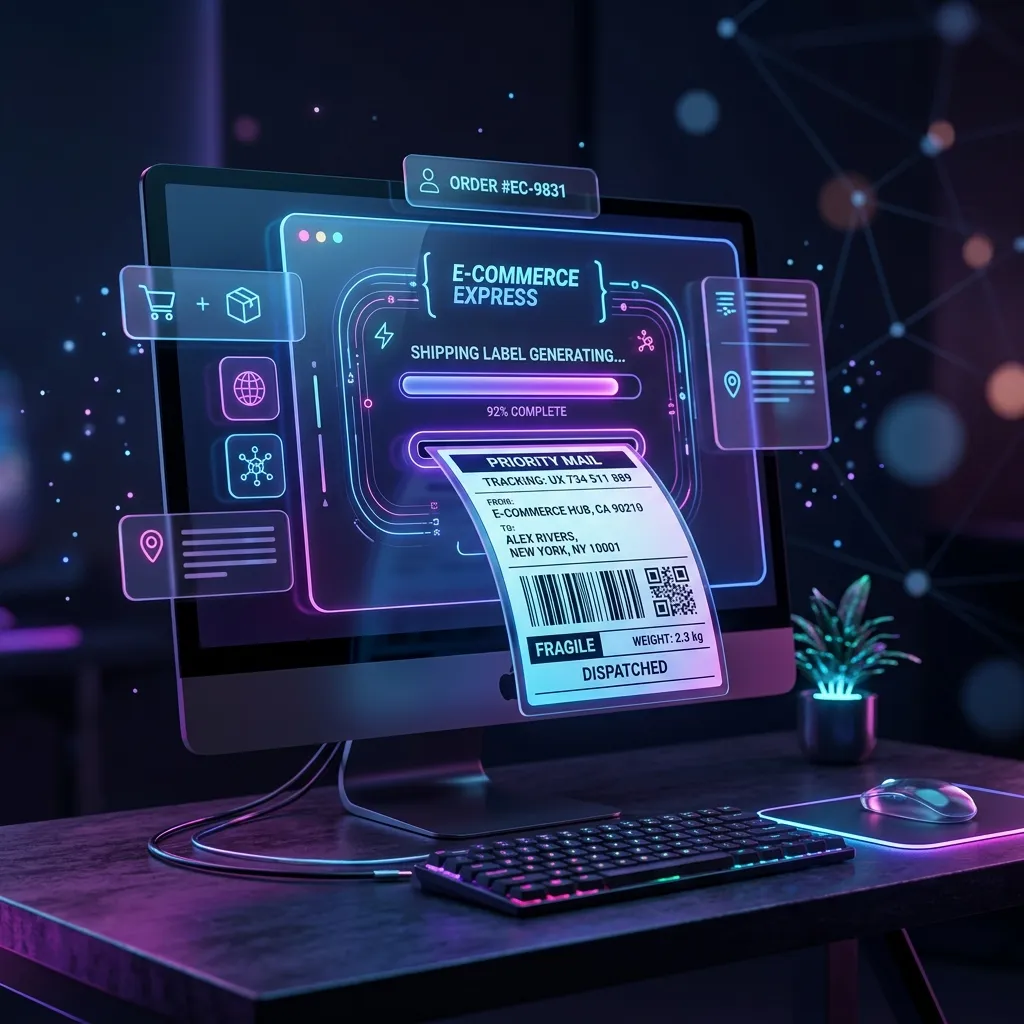
Use our Free Meesho Label Cropper & Sorter. Automatically detects and crops the bottom tax invoice, fits the shipping label to 4x6 thermal dimensions, and sorts by SKU and courier — 100% privately in your browser with zero server uploads.
One of the most frequent dilemmas debated in Indian ecommerce seller communities is: "Kya Meesho label se invoice cut karna legal hai ya penalty lagegi?" (Is it legal to crop the invoice from Meesho shipping labels, or will it trigger a GST penalty?).
When you download shipping labels from the Meesho Supplier Panel, Meesho exports an A4-sized PDF page containing two distinct sections: the Shipping Label (AWB barcode, courier details, and customer address) on the top half, and the Customer Tax Invoice (seller GSTIN, HSN code, price breakdown, and IGST/CGST/SGST) on the bottom half.
For sellers shipping 20, 50, or 500 orders a day on thermal printers (like Xprinter, TVS, Zebra, or TSC), printing that lower half burns through 50% more thermal paper, adds zero logistics value, and clutters packaging. But what does Indian GST law actually say? When can you safely crop the invoice, and when are you legally required to keep it? Let's unpack the 2026 rules.
The Legal Framework: GST Rule 46 & Marketplace Tax Invoices
Under the Central Goods and Services Tax (CGST) Act and Rules, Section 31 specifies the requirement of issuing a tax invoice for the supply of goods. However, the operational reality of ecommerce marketplace platforms introduces unique statutory provisions:
| Statutory Clause | Legal Requirement | Marketplace Application (Meesho, Flipkart, Amazon) |
|---|---|---|
| CGST Rule 46 | Issue of Tax Invoice containing supplier details, recipient address, HSN, rate & tax amount. | Meesho acts as an Ecommerce Operator (ECO) under Section 52 (TCS). The digital invoice generated at order placement fulfills electronic invoice delivery to the buyer. |
| CGST Rule 138A | Documents to be carried by a person-in-charge of a conveyance (transit documentation). | Requires a tax invoice or bill of supply AND an E-Way bill (mandatory when consignment value exceeds ₹50,000). For intra-state lower value orders, physical invoice verification is not enforced by couriers. |
| Rule 48(4) - E-Invoicing | Mandatory electronic generation of Invoice Reference Number (IRN) for sellers above aggregate turnover thresholds. | B2C supplies do not require e-invoicing. If you are selling B2C to consumers, the marketplace platform's electronic record is recognized by tax authorities. |
In simple terms: For standard B2C ecommerce transactions under ₹50,000, physical inclusion of the tax invoice on the exterior of the parcel is NOT mandated by courier partners. The customer receives an authorized digital tax invoice inside their Meesho app order history, which serves as a valid legal receipt for all consumer purposes.
When You Can Safely Crop the Invoice (95% of Meesho Orders)
For the overwhelming majority of daily ecommerce dispatches, cropping the tax invoice is not only safe — it is recommended industry practice. You can safely discard the bottom invoice half if your order meets the following criteria:
- Standard B2C Retail Orders: The customer is an individual buying clothing, footwear, kitchen items, accessories, or home furnishings without a business GSTIN.
- Order Value Below ₹50,000: Consignments below ₹50,000 do not trigger mandatory physical E-Way Bill inspection checks at state border checkpoints.
- Digital Invoice Available in Meesho App: Because Meesho automatically creates and stores an official GST invoice in the customer's "My Orders" tab, the buyer can download or print their GST receipt anytime for return or reimbursement purposes.
- Courier Uses Automated AWB Scanning: Logistics aggregators and 3PL partners (Delhivery, Shadowfax, Valmo, Xpressbees, Ecom Express) only require the shipping barcode, destination pin code, and routing code to fulfill the shipment.
Courier delivery personnel do not examine tax invoices. Their handheld scanners (Honeywell, Zebra, or Android PDA apps) only read the 1D Code 128 barcode or 2D Datamatrix on the top shipping label. Taping a folded, uncropped A4 paper onto a small packet often results in loose edges catching in automated sorting hubs, leading to barcode damage and lost shipments.
When You MUST Keep or Enclose the Physical Invoice
While 95% of orders can have the invoice cropped, there are critical exceptions where omitting a physical invoice can lead to customer disputes, warranty rejections, or tax penalties:
1. B2B Orders with Customer GSTIN
If a business buyer purchases through Meesho B2B and inputs their GSTIN to claim Input Tax Credit (ITC), their accounting department requires an official printed tax invoice with your GSTIN, tax breakup, and authorized signature to reconcile their purchase ledger.
2. Electronics, Appliances & Brand Warranty Items
Items like trimmers, smartwatches, earbuds, power banks, and appliances require proof of purchase for manufacturer warranty claims. Brand service centers (boAt, Noise, Philips, etc.) insist on seeing an invoice indicating date of sale, seller name, and product serial number.
3. High-Value Consignments (> ₹50,000)
Under CGST Rule 138, any consignment exceeding ₹50,000 traveling inter-state must be accompanied by an E-Way Bill and physical invoice. Commercial tax flying squads have the authority to intercept and inspect vehicles carrying high-ticket parcels lacking accompanying physical bills.
Cost Analysis: The Real Math Behind Cropping Invoices
Why do thousands of smart Indian ecommerce sellers invest in label cropping software? Let's analyze the exact cost difference between printing uncropped A4 labels versus cropped 4x6 thermal labels over a month:
| Printing Method | Paper Cost / Order | Ink / Ribbon Cost | Tape / Adhesive Cost | Total Cost / 100 Orders | Monthly Cost (3,000 Orders) |
|---|---|---|---|---|---|
| Uncropped A4 Laser/Inkjet Full A4 sheet (Label + Invoice) |
₹1.20 (75 GSM A4) | ₹0.50 (Toner/Ink) | ₹0.40 (Cello tape to fix) | ₹210.00 | ₹6,300.00 |
| Uncropped Thermal (Two 4x6 Labels) 1 label for shipping, 1 label for invoice |
₹0.72 (2 thermal stickers) | ₹0.00 (Direct thermal) | ₹0.00 (Self-adhesive) | ₹72.00 | ₹2,160.00 |
| Cropped 4x6 Thermal (SAH Tool) Only Shipping Label printed |
₹0.36 (1 thermal sticker) | ₹0.00 (Direct thermal) | ₹0.00 (Self-adhesive) | ₹36.00 | ₹1,080.00 |
Net Annual Savings: By simply switching from uncropped A4 printing to cropped 4x6 thermal labels, a seller shipping 100 orders per day saves ₹62,640 every single year purely on paper, toner, and packaging tape. That savings goes directly into your net profit margin.
Decision Flowchart: Should You Crop This Order?
Follow this rapid 3-step decision flow when preparing your daily dispatch batch:
- Step 1: Check the Product Category: Is the item fashion, footwear, apparel, jewelry, kitchenware, or toys? → Safe to crop invoice.
- Step 2: Check for Warranty Requirement: Does the product carry a manufacturer warranty where the buyer must visit an authorized service center? If YES → Enclose printed invoice inside parcel pouch.
- Step 3: Check Consignment Value: Is the total order value on the label above ₹50,000? If YES → Retain physical invoice and attach E-Way bill copy.
How to Crop Meesho Invoices Safely in 3 Seconds
Many sellers manually crop labels using Adobe Acrobat, snipping tools, or slow mobile apps. This takes hours when you have 50+ orders and creates risk of cutting off barcode lines.
Here is how to automate the entire process safely using Seller Analytics Hub's Free Label Cropper:
- Download PDF: Go to the Meesho Supplier Panel → Orders → Ready for Dispatch → Download Shipping Labels.
- Drop PDF into SAH: Open selleranalyticshub.com/meesho-label-tool and drop your PDF into the upload area. You can drop multiple PDFs from different accounts at once.
- Automatic Invoice Detection: The tool automatically identifies the tax invoice boundary and slices it off, perfectly scaling the top shipping label to 4x6 inch (100mm x 150mm) thermal dimensions.
- Optional Invoice Toggle: If you do want to keep the invoice (for warranty products), simply toggle "Keep invoice section" to generate an organized two-page thermal output.
- Download & Print: Click Generate PDF. Your ready-to-print file downloads instantly, with barcodes rendered in crisp 100% vector resolution for guaranteed 1-second courier scanner reads.
Privacy Alert: Beware of Server-Side "Cloud" Croppers
When choosing a label cropping tool, privacy is your #1 risk. Every Meesho label contains your customer's full name, delivery address, pincode, and mobile phone number.
Many free utilities and micro-SaaS tools upload your PDF to a remote cloud server (AWS, DigitalOcean, or overseas VPS) to run background Python or PHP scripts. If that server is compromised, your customer data can be harvested and sold to scam courier call centers or competitors running fake COD returns.
The Seller Analytics Hub Guarantee: Our label engine runs entirely inside your browser using client-side JavaScript. Not a single byte of your PDF, customer data, or invoice details is ever transmitted across the network. You can disconnect your internet and the tool will still crop your labels flawlessly.
Try the Free Meesho Label Cropper & Sorter now. Cut paper costs by 50%, prevent scanner rejections, and protect your customer privacy — completely free forever.
Put this workflow to work on your own seller data.
Open the matching Seller Analytics Hub tool and follow the article with the correct account and workspace.