Why Choosing the Right Label Crop Tool Matters
In 2026, there are over 15 dedicated Meesho label crop tools available online, plus several generic PDF croppers that can be repurposed for shipping labels. While they all claim to do the same thing — crop Meesho labels from A4 PDFs — the actual quality, features, speed, and security vary enormously.
Choosing the wrong tool costs you more than just time. A tool with poor barcode handling causes RTOs (₹60-150 per failed package). A tool that uploads your PDFs to servers exposes customer PII (names, addresses, phone numbers) to unknown third parties. A tool without SKU sorting means your packing workflow remains inefficient — costing you 1-2 hours of wasted labor every day.
This comparison is designed to help Meesho sellers make an informed choice by evaluating the most popular Meesho label cropper tools across the features that actually matter for daily dispatch operations.
How We Evaluated These Tools
We tested each tool using a standardized test batch: a 50-page Meesho label PDF containing orders across 12 SKUs, 4 courier partners, and including both single and multi-quantity orders. Each tool was evaluated on:
| Criterion | What We Tested | Why It Matters |
|---|---|---|
| Cropping Accuracy | Does the tool correctly identify and extract the label area without cutting off barcodes or addresses? | Poor crop = unscannable barcode = RTO |
| SKU Sorting | Does the tool read and sort labels by product SKU? | Reduces packing time by 50-60% |
| Courier Sorting | Does the tool group labels by courier partner? | Simplifies pickup handover |
| Multi-File Merge | Can you upload multiple PDFs and get one merged output? | Essential for multi-account sellers |
| Invoice Control | Can you keep or remove the tax invoice portion? | Different sellers need different workflows |
| Custom Text | Can you add dispatch date, notes, or messages to labels? | Accountability for shift-based warehouses |
| Order Summary | Does the tool display SKU counts and courier counts? | Pre-packing verification prevents errors |
| Privacy / Security | Does the tool process locally or upload to servers? | PII protection for customer data |
| Speed | How long does it take to process 50 labels? | Seconds matter in daily dispatch |
| Mobile Support | Does the tool work on phone browsers? | Many small sellers operate on mobile |
| Multi-Platform | Does it support Flipkart, Amazon in addition to Meesho? | Multi-marketplace sellers need unified tools |
| Supporting Content | Does the tool's site provide guides, tutorials, blog posts? | Ongoing value beyond the tool itself |
| Cost | Free or paid? Any hidden limits? | Sellers prefer free tools with no restrictions |
Feature Comparison Table — All Tools at a Glance
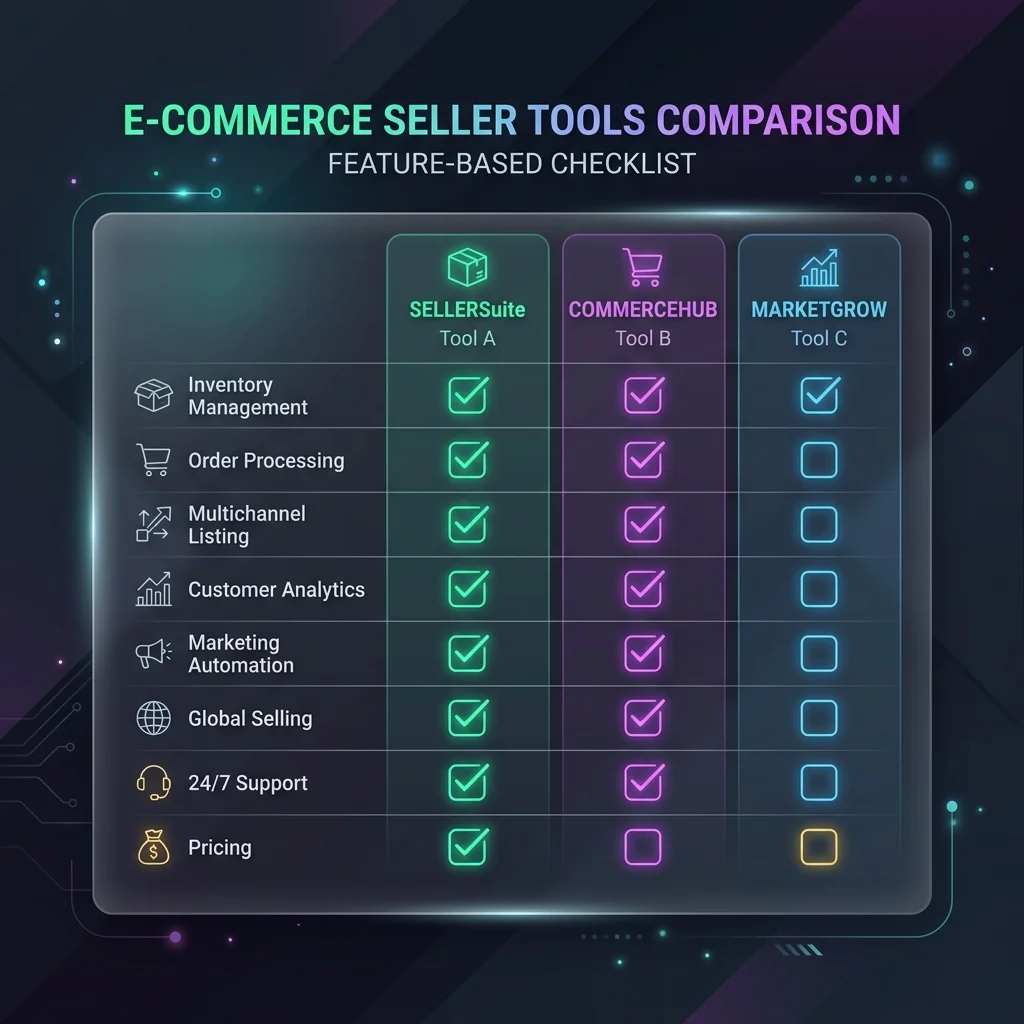
| Feature | Seller Analytics Hub | MeeshoLabel Crop.com | MeeshoLabel Cropper.com | Seller Tools.in | PDFCropper .in | AiLabel Crop.com |
|---|---|---|---|---|---|---|
| Price | Free | Free | Free | Free | Free | Free |
| SKU Sort | ✅ | ✅ | ✅ | ✅ | ✅ | ✅ |
| Courier Sort | ✅ | ✅ (Pickup) | ✅ | ✅ | ✅ | ✅ |
| Invoice Crop | ✅ (Toggle) | ✅ | ✅ | ✅ (Toggle) | ✅ | ✅ |
| Multi-File Merge | ✅ Unlimited | Limited | ✅ | ✅ | ✅ | ✅ (Up to 10) |
| Custom Text | ✅ (Date, time, note) | ✅ (Text on label) | ❌ | ❌ | ✅ | ❌ |
| Order Summary | ✅ (SKU + Courier + Account) | ✅ (SKU + Order) | ✅ (SKU + Courier) | ❌ | ✅ | ✅ |
| Quantity Priority | ✅ (Single/Multi first) | ❌ | ❌ | ❌ | ❌ | ❌ |
| Browser-Based | ✅ 100% local | ⚠️ Unclear | ✅ Local | ✅ Local | ⚠️ Unclear | ✅ Local |
| Mobile Support | ✅ | ✅ | ✅ | ✅ | ✅ | ✅ |
| Flipkart Support | ✅ | ❌ | ✅ | ✅ | ✅ | ✅ |
| Amazon Support | ✅ | ❌ | ❌ | ❌ | ❌ | ✅ |
| Blog / Guides | ✅ (31+ articles) | ❌ | ❌ | ❌ | ✅ (Few) | ❌ |
| Seller Dashboard | ✅ (P&L, Recon, SKU) | ❌ | ❌ | ❌ | ❌ | ❌ |
| 4-Labels-per-A4 | ✅ | ✅ | ✅ | ✅ (2x2 grid) | ✅ | ✅ |
| Hindi Support | ✅ (Blog) | ❌ | ✅ (FAQ) | ❌ | ❌ | ✅ (UI) |
| Login Required | ❌ No | ❌ No | ❌ No | ❌ No | ❌ No | ❌ No |
1. Seller Analytics Hub — Meesho Label Crop Tool
URL: selleranalyticshub.com/meesho-label-cropper
Overview
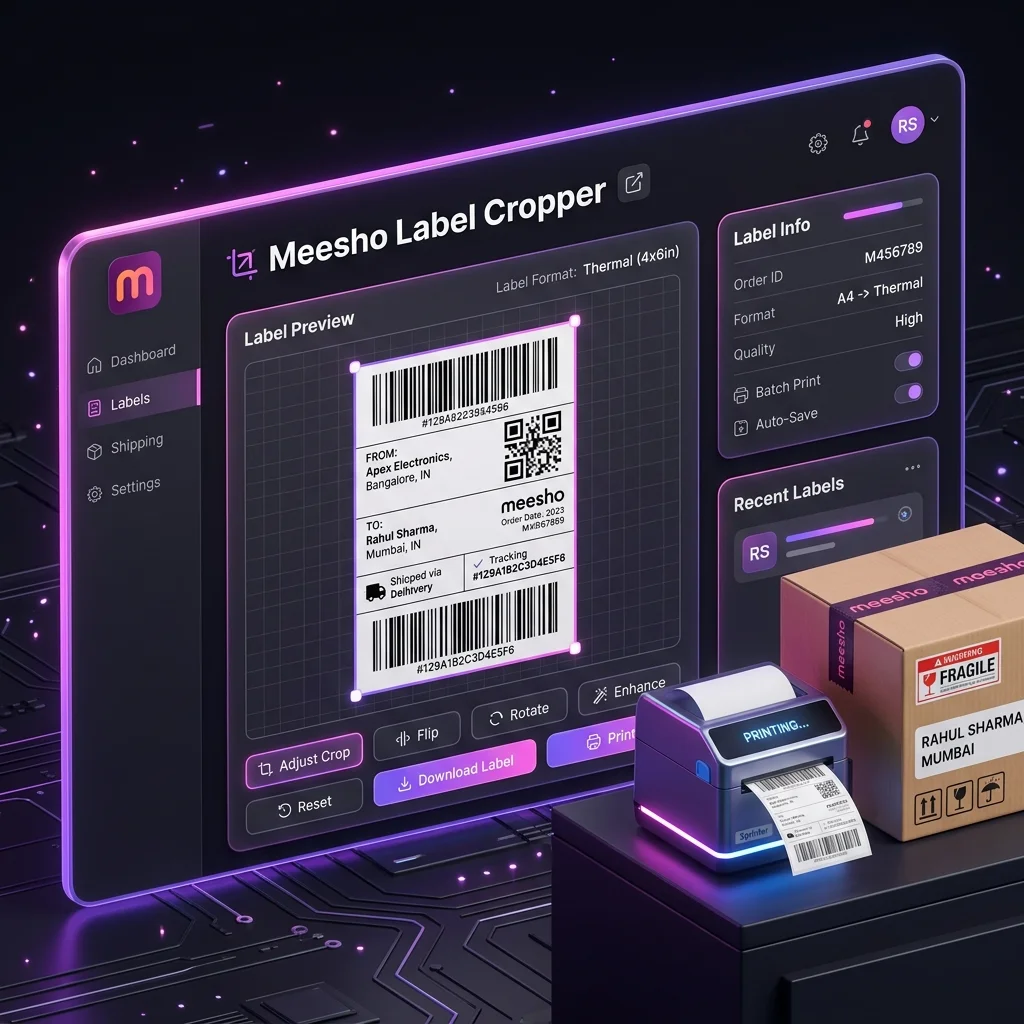
Seller Analytics Hub is a complete Meesho seller analytics platform that includes a free Meesho label cropper, a profit calculator, payment reconciliation, and a comprehensive blog with 31+ seller guides. The label tool is one of the most feature-rich options available, with unique capabilities like multi-file unlimited merge, custom dispatch text overlay, and quantity priority sorting that most competitors lack.
Key Strengths
- Most features of any free tool — SKU sorting, courier sorting, invoice toggle, custom text, quantity priority, order number printing, unlimited batch merge
- Part of a complete ecosystem — unlike standalone crop tools, it connects to profit calculators, P&L dashboards, and 31+ educational guides. Sellers get a holistic toolkit, not just a one-trick utility.
- Privacy-first architecture — 100% browser-based JavaScript processing. PDFs never leave your device.
- Unique features — Quantity priority (single vs multi-piece first), custom text overlay (dispatch date, shift, note), per-seller-account breakdown in the output summary.
- Content depth — Blog covers everything from thermal printer settings to GST ITC claiming to RTO cost analysis. This level of supporting content is unmatched by any competitor.
Limitations
- Tool is optimized for Meesho labels first — Flipkart and Amazon support is secondary and being enhanced
- No processing history or re-download feature (you need to re-upload to reprocess)
Best For
Meesho sellers who want a complete business toolkit — not just label cropping but profit tracking, payment reconciliation, tax planning, and operational guides all in one place.
2. MeeshoLabelCrop.com
Overview
A dedicated single-purpose tool focused exclusively on Meesho label cropping. It offers SKU sorting, pickup sorting, order summary with SKU quantities, custom text on labels, and 4-labels-per-A4 support.
Key Strengths
- Focused exclusively on Meesho — no distractions from other platforms
- Generates detailed order summary PDF with SKU and quantity breakdown
- Supports printing custom text (like "Dispatch on 20-03-2026") on labels
- Clean, ad-free interface designed for quick daily use
Limitations
- No multi-platform support (Meesho only)
- No supporting blog content or educational guides
- No broader seller tools (no calculator, no analytics)
- Privacy policy on data processing is not fully transparent
3. MeeshoLabelCropper.com
Overview
Supports both Meesho and Flipkart label cropping with drag-and-drop bulk upload. Offers SKU-wise and courier-wise sorting with auto summary generation. Includes bilingual FAQ (English and Hindi).
Key Strengths
- Dual platform support — Meesho and Flipkart
- Hindi FAQ answers — accessible for Hindi-speaking sellers
- Bulk upload capability with drag-and-drop
- Auto summary page appended to the output PDF
Limitations
- No custom text overlay feature
- No quantity priority sorting
- No blog or educational content
- No seller analytics or calculator tools
4. SellerTools.in
Overview
A multi-tool platform for e-commerce sellers offering Meesho label crop, Flipkart label crop, and PDF merger. The Meesho tool supports invoice options, sorting by courier/SKU, and layout mode selection (thermal vs A4 grid).
Key Strengths
- Multi-platform tools — Meesho, Flipkart, and general PDF utilities
- Clean layout mode selection — thermal (1 per page) vs A4 (2x2 grid)
- Processing history — can revisit previously cropped files
- Browser-based processing
Limitations
- No custom text on labels
- No order summary display after processing
- No blog content or educational resources
- No seller analytics or profit tools
5. PDFCropper.in
Overview
The most versatile platform in this comparison — supports Meesho, Shopsy, Jiomart, Flipkart, Myntra, Ajio, and Snapdeal. Offers unique features like color+size sorting and size+color sorting that no other tool provides.
Key Strengths
- Widest marketplace support — 7+ platforms
- Unique sorting modes — Color with Size, Size with Color (useful for apparel sellers)
- Custom text, order number, date/time printing on labels
- SKU and order summary
- Blog with label crop guides
Limitations
- Interface can feel cluttered with too many platform options
- No seller analytics or profit tracking
- Data processing transparency could be clearer
6. AiLabelCrop.com
Overview
Positions itself as an "AI-powered" label cropper supporting Flipkart, Meesho, Amazon, and Snapdeal. Claims 99.9% cropping accuracy with intelligent format detection. Also includes Meesho calculators for quality score, listing price, and rating score.
Key Strengths
- Multi-platform — Flipkart, Meesho, Amazon, Snapdeal
- Auto-detection of label format
- Up to 10 PDF files bulk upload
- PDF merger tool for combining cropped outputs
- Additional seller calculators (quality score, listing price)
- Active social media presence (YouTube, Instagram)
Limitations
- No custom text overlay on labels
- No quantity priority sorting
- No detailed blog content or seller guides
- No profit analytics or payment reconciliation
7. MeeshoLabelCrop.net
Overview
Focused on Meesho thermal label cropping with automatic A4-to-4x6 conversion. Highlights multi-quantity order identification and courier-wise order summaries. Clean, focused interface.
Key Strengths
- Clear focus on the 4x6 thermal use case
- Multi-quantity order highlighting (bold labels)
- Courier and SKU order count summaries
- 100% free with no restrictions
- Published blog posts about Meesho label workflows
Limitations
- Meesho only — no Flipkart or Amazon support
- No custom text or dispatch note feature
- No multi-file merge across accounts
- No seller analytics ecosystem
8. Lebely.com
Overview
A simple Meesho label cropper with automatic SKU detection, bulk PDF processing, and privacy-focused processing. Claims files are automatically deleted after processing.
Key Strengths
- Automatic SKU detection
- Simple, beginner-friendly interface
- Bulk processing support
- Cross-device accessibility
Limitations
- Limited feature set compared to more advanced tools
- No courier sorting
- No custom text or order summary
- No supporting content or educational guides
- WordPress-based — may be slower than purpose-built tools
9. Desktop Software — PDFelement / Adobe Acrobat Pro
Overview
General-purpose PDF editing software that can be used for label cropping — but was never designed for e-commerce label workflows. Wondershare PDFelement has published a specific Meesho PDF cropper guide.
Key Strengths
- Professional-grade PDF editing capabilities
- Batch processing with reusable crop templates
- Precise margin control
- Works offline — no browser required
Limitations
- Expensive: PDFelement costs ₹5,000-15,000/year; Adobe Acrobat Pro is ₹16,000+/year
- No SKU sorting — you'd need to manually reorder pages
- No courier grouping
- No order summary
- No Meesho-specific optimizations
- Slow for batch work — each page requires manual crop box placement in Acrobat
- Not cost-justified when free, purpose-built tools exist
Which Tool Should You Choose? — Decision Framework
Your ideal Meesho label crop tool depends on your business profile:
| Your Situation | Recommended Tool | Why |
|---|---|---|
| Meesho-only seller, wants complete ecosystem | Seller Analytics Hub | Best feature set + profit calculator + P&L dashboard + 31 guides |
| Multi-platform seller (Meesho + Flipkart + Amazon) | AiLabelCrop.com or PDFCropper.in | Widest marketplace support |
| Apparel seller needing color/size sorting | PDFCropper.in | Unique color+size sorting feature |
| Hindi-speaking seller wanting simple tool | MeeshoLabelCropper.com | Hindi FAQ, simple interface |
| Seller wanting processing history | SellerTools.in | Re-access previously cropped files |
| Seller who also needs offline capability | PDFelement | Works without internet (but expensive and no sorting) |
Essential Features Every Meesho Label Cropper Must Have
Regardless of which tool you choose, make sure it has these non-negotiable features:
Non-Negotiable Features
- Accurate crop boundaries — The tool must correctly identify the label area without cutting off barcodes, addresses, or QR codes
- 100% print-scale output — The cropped PDF must produce labels that print correctly at 100% Actual Size without needing manual scaling
- SKU sorting — The single most impactful packing speed feature. Without this, you're missing the biggest benefit of automated cropping
- Browser-based processing — Your Meesho PDFs contain customer names, addresses, and phone numbers. These should never be uploaded to external servers.
- No page limits — A tool that caps at 20 or 50 pages per session is useless for high-volume sellers
Nice-to-Have Features
- Courier sorting — Extremely helpful for handover, but can be done manually if needed
- Multi-file merge — Essential for multi-account sellers, less important for single-account operators
- Custom text — Useful for team warehouses, not needed for solo sellers
- Order summary — Helps with inventory pre-check, but you can verify manually from the Meesho panel
- Multi-platform support — Important only if you sell on Flipkart or Amazon alongside Meesho
Red Flags to Avoid
- ❌ Tool requires login or account creation before use
- ❌ Tool uploads your PDF to servers (check DevTools Network tab to verify)
- ❌ Tool adds watermarks to the output
- ❌ Tool limits free usage and pushes paid plans for basic cropping
- ❌ Tool takes more than 30 seconds to process 50 pages
- ❌ Output barcodes are blurry or reduced in size compared to the original
✂️ Try the Most Feature-Rich Free Meesho Label Cropper
SKU sorting + courier grouping + multi-file merge + invoice control + custom dispatch text + quantity priority + browser privacy. All free, no signup, no limits.
Try Seller Analytics Hub Meesho Label Cropper →Use the workflow while the article is still fresh.
Open the matching tool and apply the exact process from this guide in the new V2 workspace.