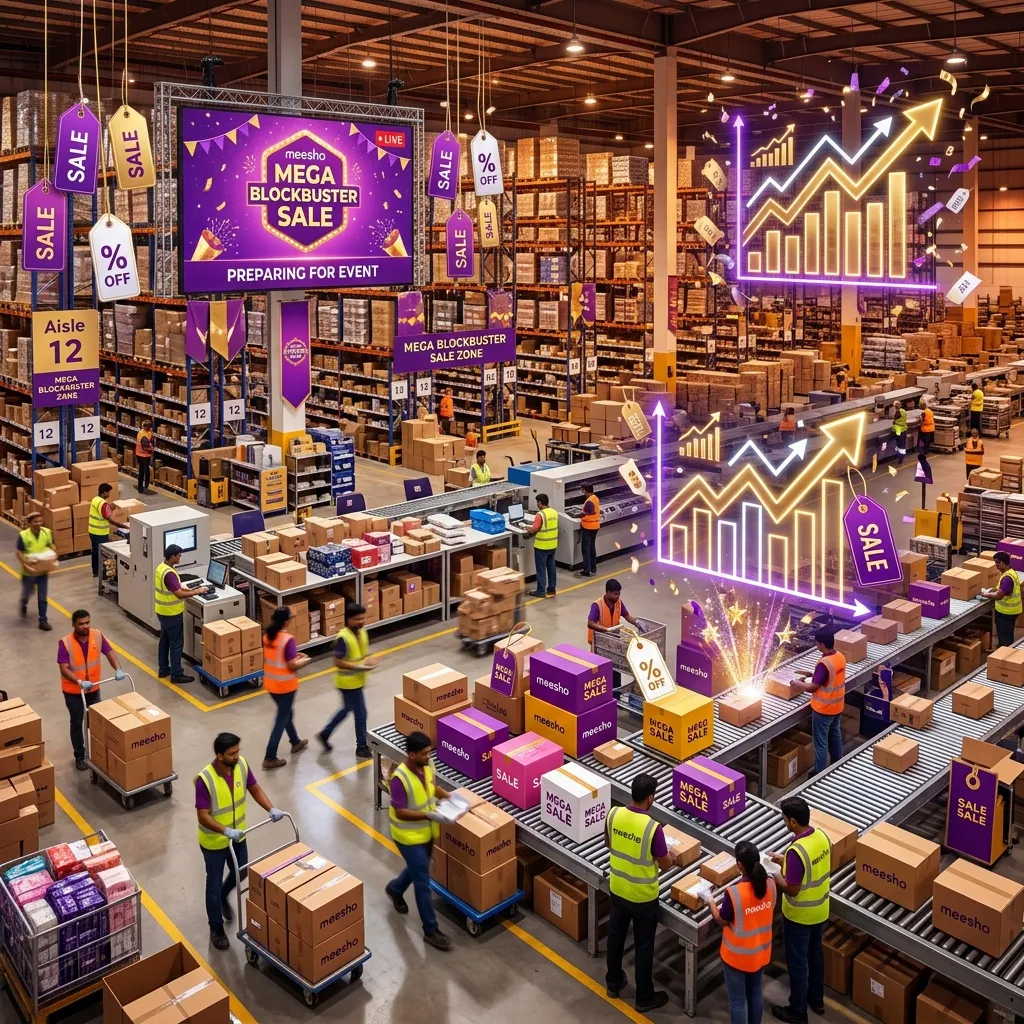
Meesho Mega Blockbuster Sale preparation starts with your records
A sale can bring more attention to a catalog, but the useful question for a seller is whether extra orders can be packed on time and still leave a margin. Before changing a price or buying more stock, check the event terms shown in your Supplier Panel and compare your own previous order, return and payout history. Meesho's public filings refer to the Mega Blockbuster Sale as a festive event; they do not provide a universal stock multiplier or a guaranteed lift for each seller.
Make one sheet for each candidate SKU: available units, recent delivered orders, cancellations, returns, supplier lead time, unit cost, packing time and expected settlement. If this is your first event, use a smaller test rather than treating a promotional forecast as confirmed demand.
Set a stock range from observed demand
Estimate a low, base and high demand case from comparable days in your own data. Then check how quickly you can replenish. The number worth buying depends on sell-through, cash tied up, shelf life, minimum order quantity and what happens if the event underperforms. A fixed “five times daily sales” formula can leave one seller out of stock and another with dead inventory.
- Count physical sellable units by variant; exclude damaged and reserved stock.
- Confirm supplier replenishment dates before increasing a catalog quantity.
- Keep a clear owner for stock updates during the event.
- Pause promotion of a variant if you cannot fulfill its new orders reliably.
Check the price floor before joining a promotion
Read the current event participation and discount terms in the Supplier Panel. Do not assume a universal 30-day lowest-price rule or that a specific discount guarantees placement. Calculate the lowest price your SKU can sustain using your own expected settlement, product cost, packing, advertising and return exposure. A cheaper listing with negative contribution is not a successful sale.
Use the profit calculator for scenarios, then check actual deductions in your seller reports. If the panel recommends a price or ad budget, compare it with your floor rather than accepting it automatically.
Prepare the packing line for the actual deadline
- Check the order-specific dispatch time and pickup arrangements in the current Supplier Panel. Do not promise every order will ship within a fixed 12-hour window.
- Test a label PDF and printer before the event. Keep paper, ink or ribbon and packaging materials appropriate for the products you expect to ship.
- Assign separate checks for item/variant, label/order ID, parcel count and courier handover.
- Record when a parcel is ready, when it is collected and when tracking first scans. These are separate events.
- Keep a process for stockouts, printer failures and missed pickups; report exceptions with the real timeline.
The dispatch checklist covers the handover record. The Meesho Label Crop Tool can crop and sort supported PDFs, but its output still needs a barcode and order check before a full print run.
Judge the event after returns and payouts mature
Record placed, delivered, cancelled, RTO and customer-return outcomes separately. Join payments to distinct sub-orders and compare final contribution after ads and packing. A busy sale day can look successful while a later return wave changes the result. The payment reconciliation guide shows how to keep later adjustments with the original order.
| Before the event | During the event | After the event |
|---|---|---|
| Confirm terms, stock, price floor and printer test | Watch stock, order deadline and pickup exceptions | Match delivered orders, returns and payouts |
| Set a spend limit you can afford | Compare ad spend with actual orders and capacity | Check whether extra volume improved contribution |
Use the result to decide which SKU to restock, which listing needs a clearer size or material description, and which promotion should not be repeated. The next event plan should be based on observed outcomes, not a generic multiplier.
Check the margin before the sale
Model your own product cost, packing, ad spend, settlement and return assumptions before setting a promotional price.
Open Profit CalculatorTry the workflow with your own data.
Open the matching Seller Analytics Hub tool and review the result before using it for dispatch or reporting.

